My Role
Product Designer and Researcher
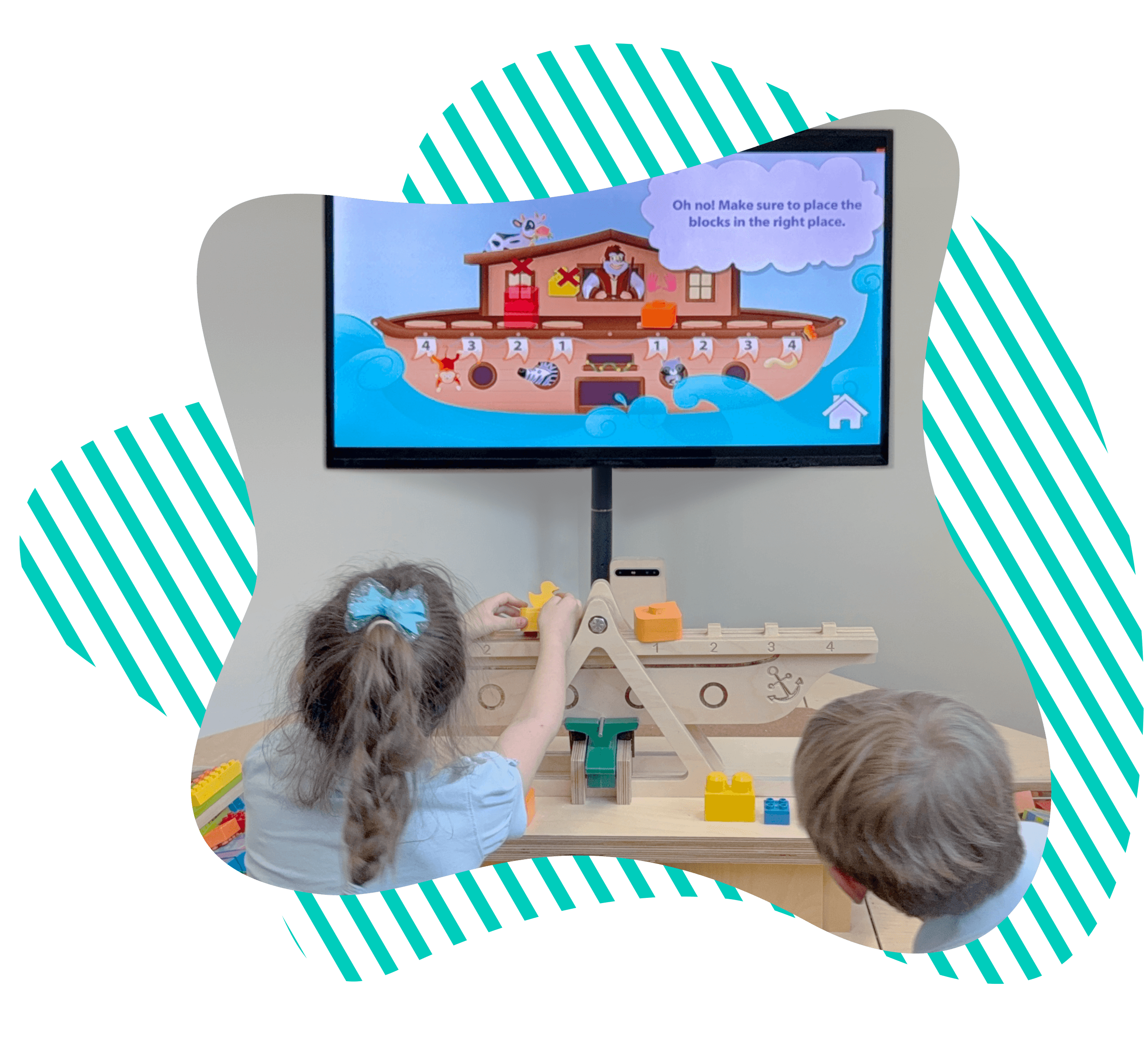
I led the end-to-end UIUX design of an educational game for a mixed physical-digital science station, developing an AI-guided learning experience to teach 4–12-year-olds the Balance Scale concept through two interactive modes: "Build" and "Guess".
Tools
Figma, Procreate, Adobe Illustrator, Adobe Photoshop
Team
Chuang Ma, SWE
Henry Chang, SWE
Nersa Yannier, PH.D., Founder and CEO
Kenneth Koedinger, PH.D, Founder
Timeline
Aug. 2023 — Nov. 2024
OVERVIEW
The Intelligent Science Station
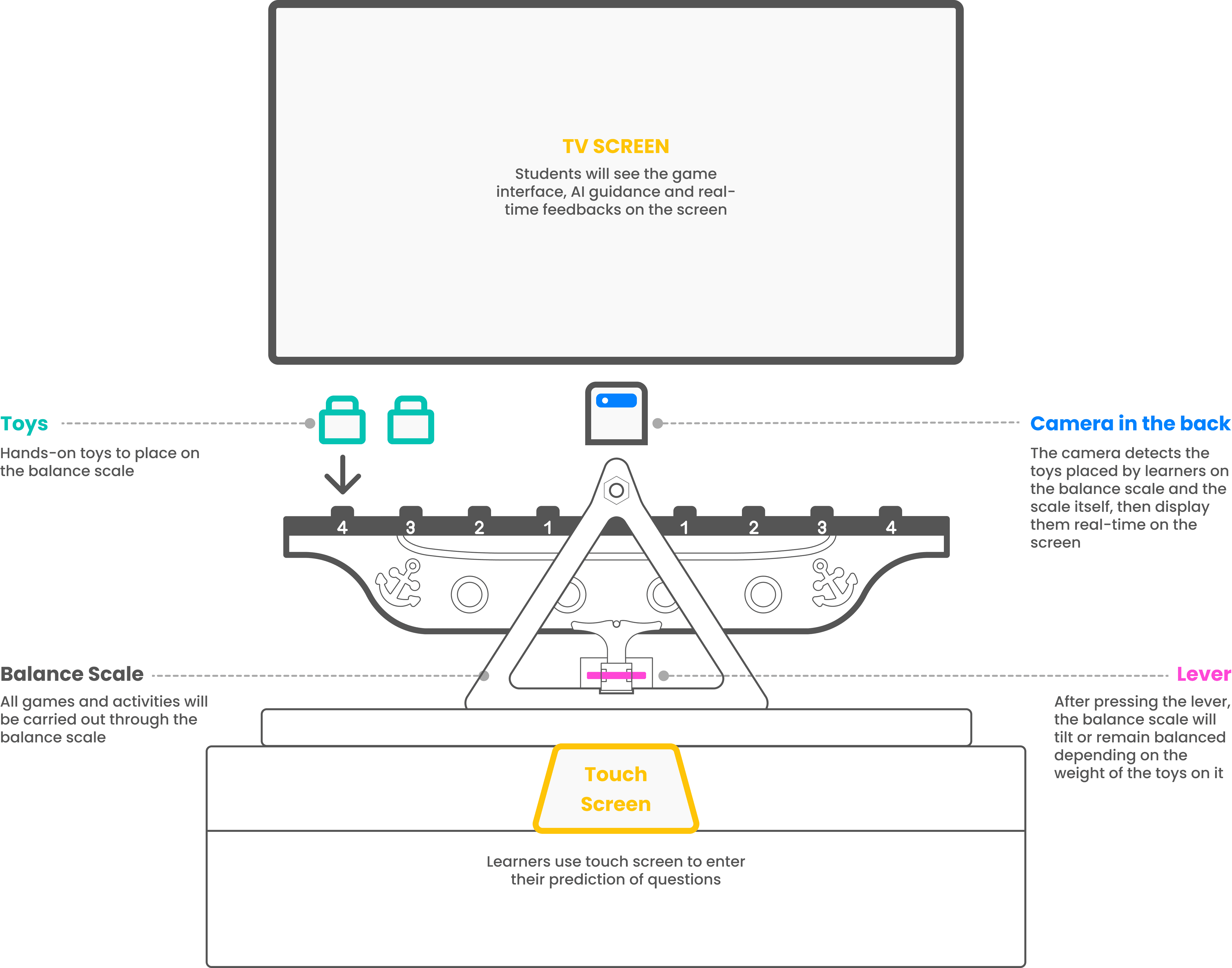
An AI-guided physical-digital learning system designed to help K–12 learners understand balance scale concepts through interactive play.
RESEARCH INSIGHTS
AI-Guided + Hands-On Learning
Combining AI-guided feedback with hands-on activities under the scientific inquiry method leads to active learning.
Scientific Inquiry
Less focus on scientific facts and more experiences with scientific inquiry better engage the natural curiosity of children.
Interactive Guidance
Provide adaptive, automated feedback to guide children in scientific inquiry leads to more robust learning outcomes.
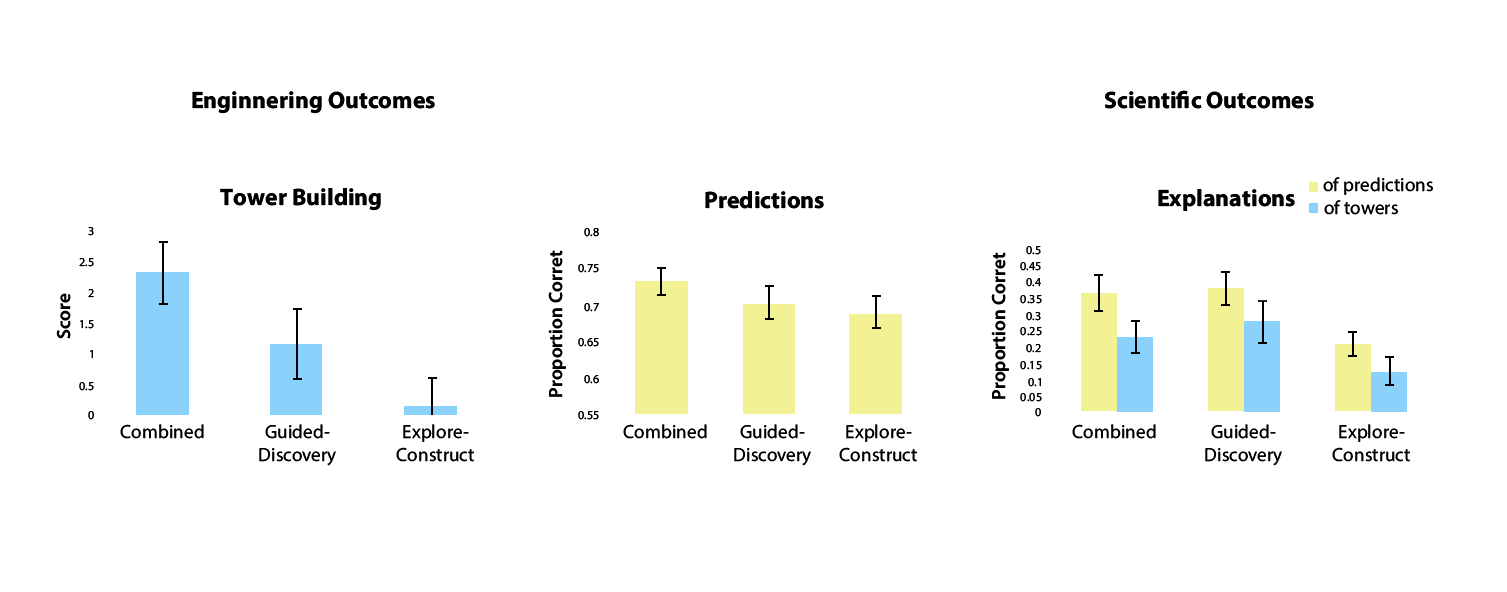
"ACTIVE LEARNING IS ABOUT MORE THAN HANDS-ON: A MIXED-REALITY AI SYSTEM TO SUPPORT STEM EDUCATION"
Nesra Yannier1 & Scott E. Hudson1 & Kenneth R. Koedinger1
PROJECT SCOPE
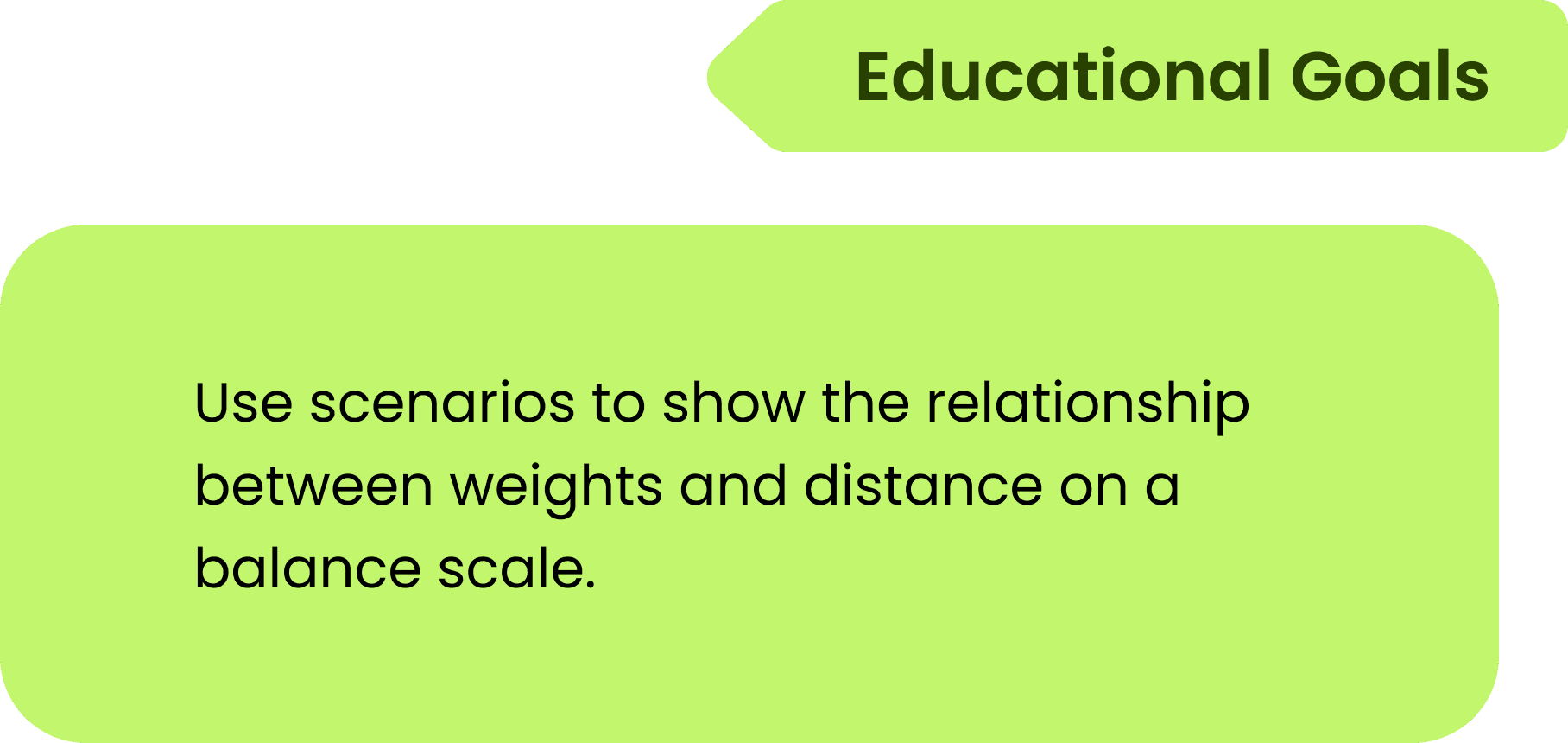
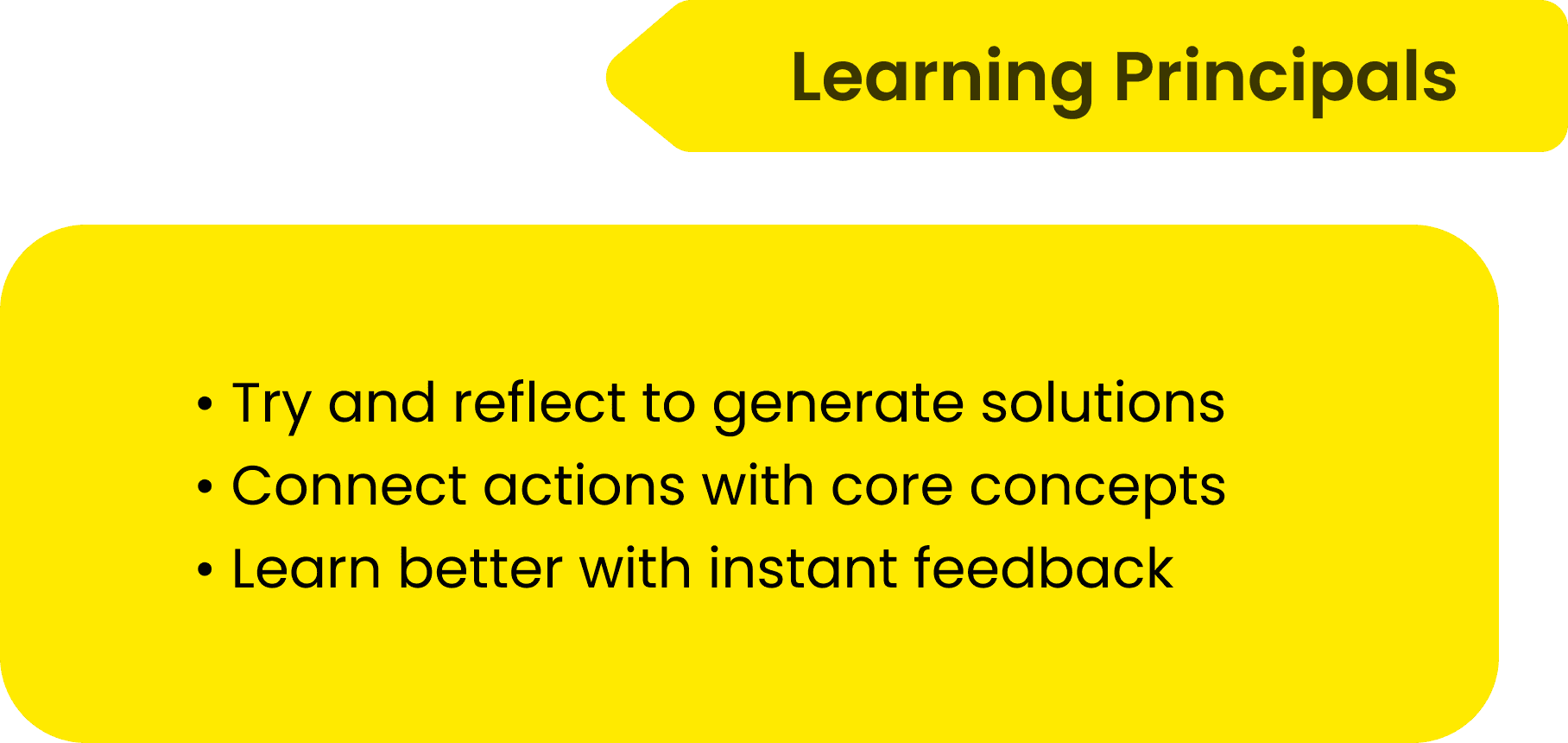
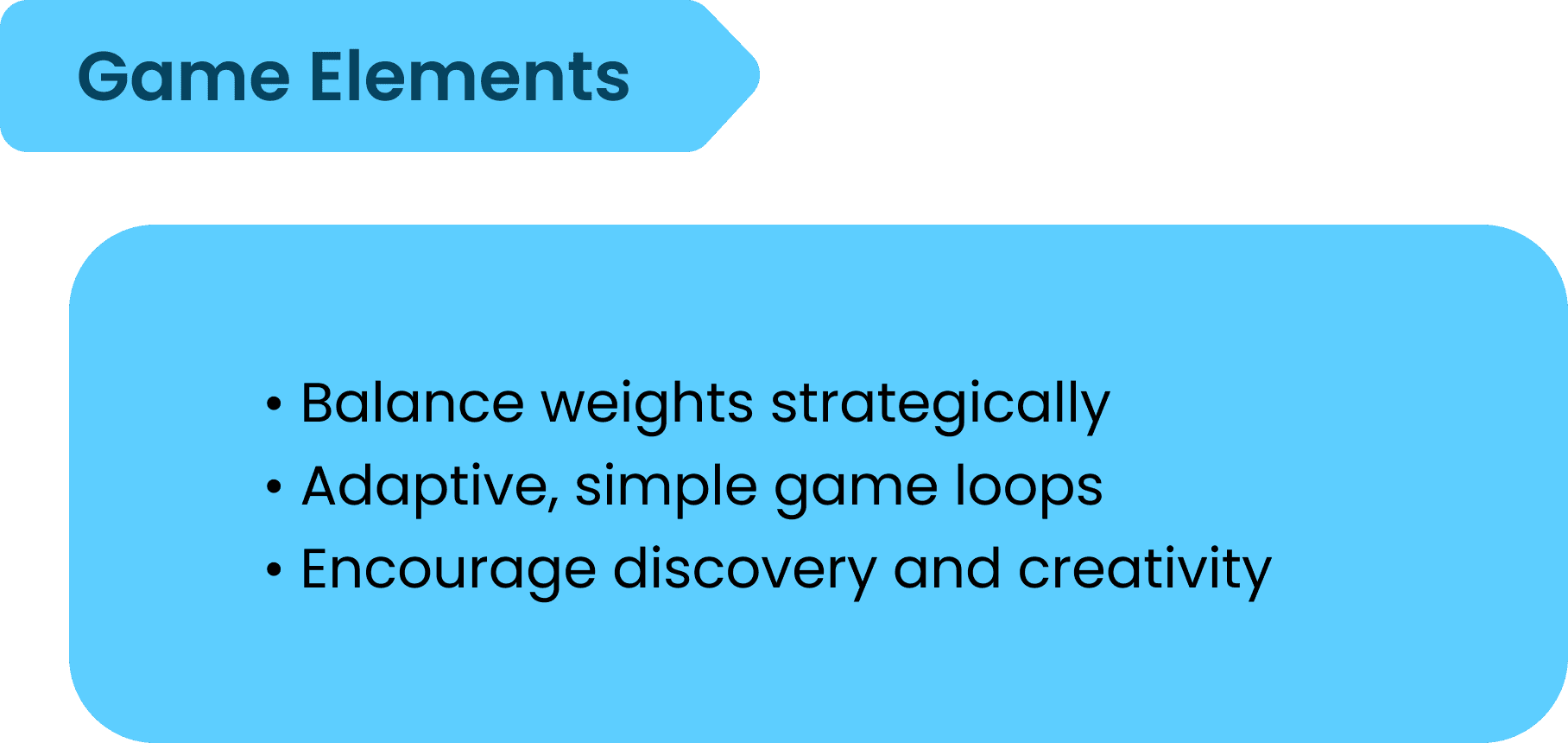
Leverage EDGE Framework as a Guidance
WHAT and HOW do we design this learning experience?


PROJECT CHALLENGES
Diverse Game Experiences
Existing modes like Play and Compete focus on structured tasks and result prediction, limiting opportunities for open-ended exploration and explicit explanations of underlying concepts and formulas.
PROJECT PLAN
Diverse Game Experiences
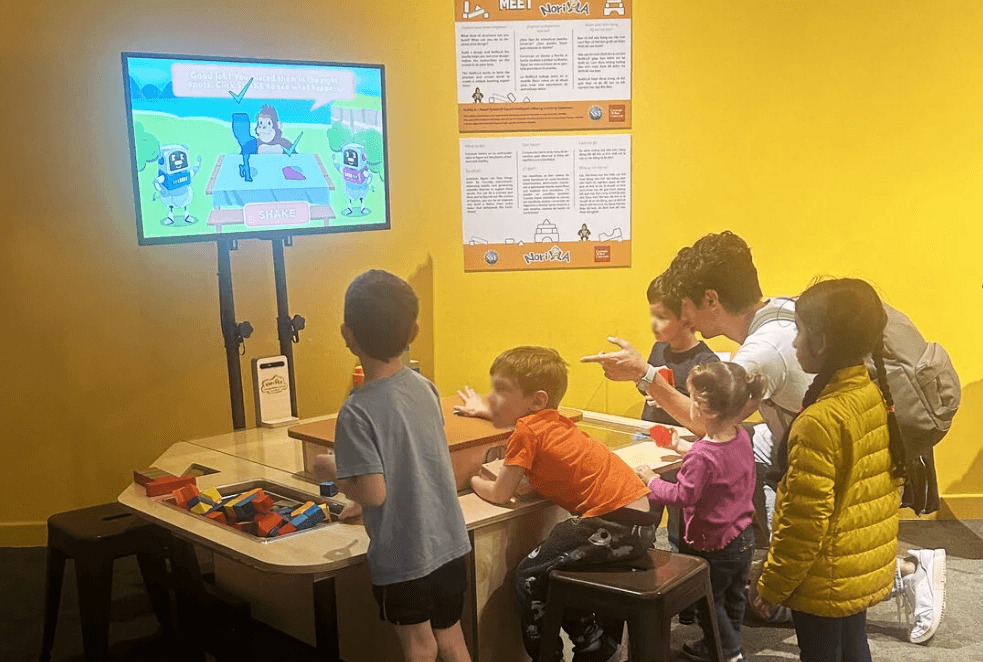

Museum Scenario
Build mode supports mixed-age learners and encourages open-ended exploration.
Build Mode Design
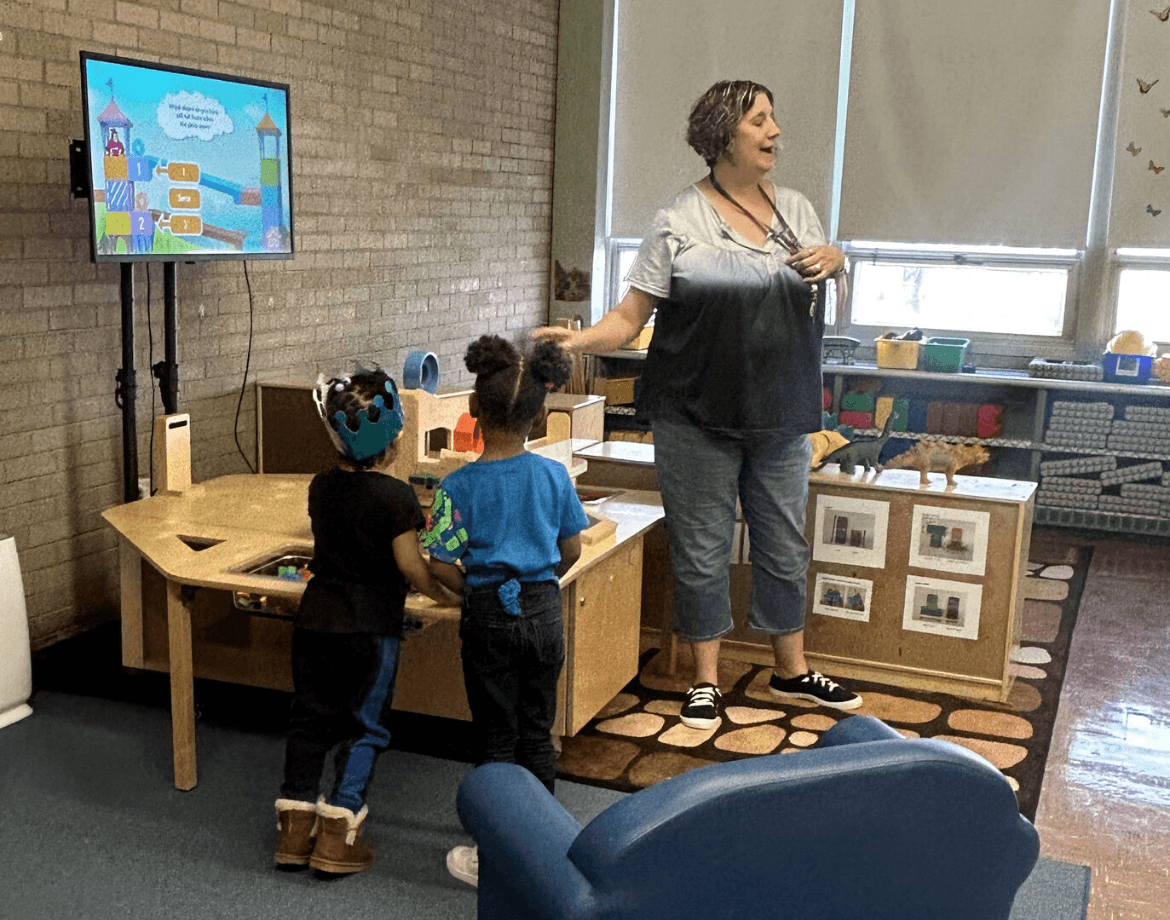
School Scenario
Guess mode supports reasoning and formula-based learning for 3rd+ grade.
Intro
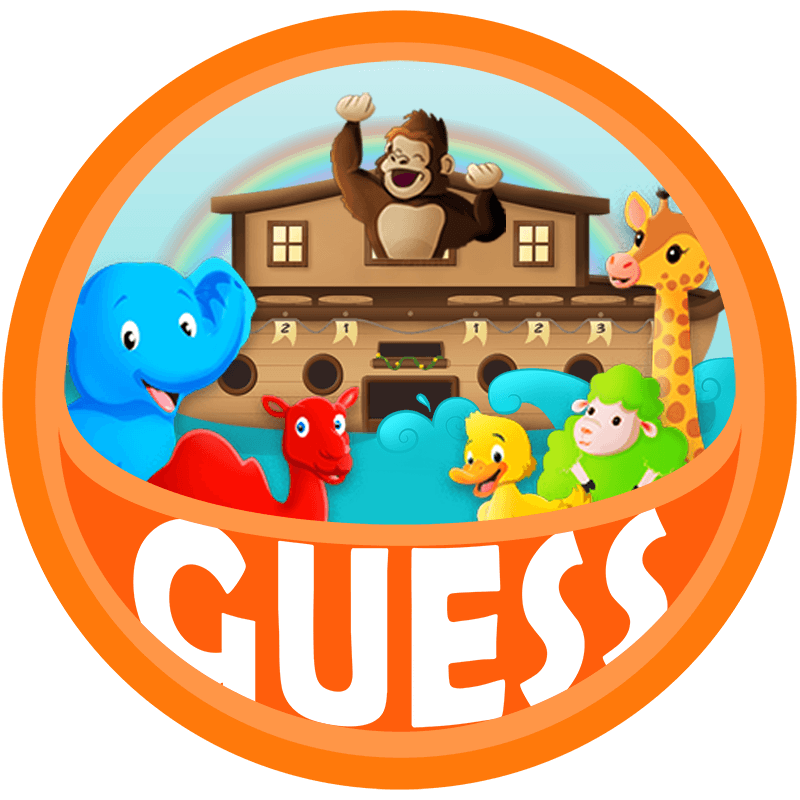
Guess Mode
Unlike Build Mode, which supports open-ended exploration, Guess Mode introduces a leveled path. It is designed for school settings, where learners need more structured guidance, clearer progression, and explicit connections between hands-on play and mathematical reasoning.

DESIGN GOALS
Support Structured Mathematical Learning
CHALLENGE 1
Abstract Concepts
Students need a clear and gradual path to understand how weight, distance, and balance work together, while teachers need structured instruction to guide explanation in class.
CHALLENGE 2
Disconnected Understanding
Students may complete the interaction successfully without fully understanding the mathematical relationship behind it.
DESIGN GOAL 1
Step-by-Step Mathematical Reasoning
DESIGN GOAL 2
Bridge Interaction and Formula Learning
DESIGN PRINCIPLES
Designing for Structured Learning
SR
Structured Guidance
Break learning into manageable steps so students can reason and learn with less confusion.
CI
Use simple and timely guidance to support student learning and make teacher explanation easier.
VE
Use clear visual feedback to connect actions, results, and formulas more clearly for learners.
INSPRIATION

Noah's Ark Story

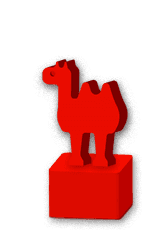
Noah's Ark set up turns abstract math into a meaningful challenge and gives the game a more memorable narrative background.
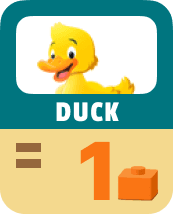
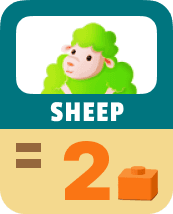
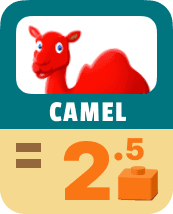
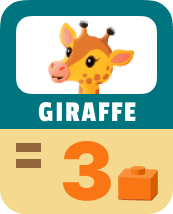
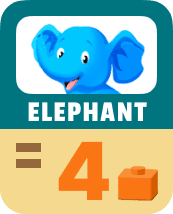
Each animal was assigned a distinct weight relationship so students could build a consistent mental model and reuse it across levels.





LEVEL DESIGN
Building Reasoning Step by Step
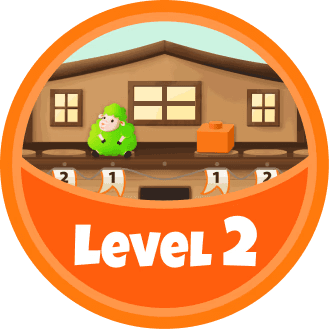
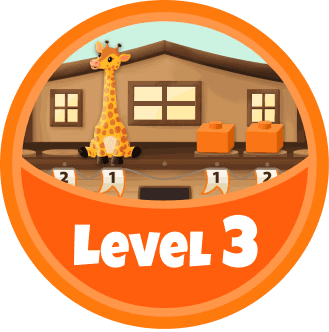
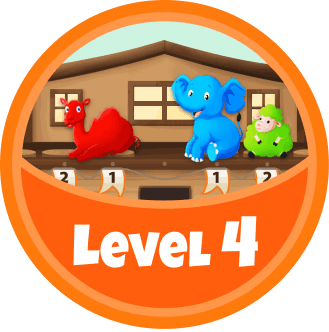
Learn Animal Weights
Guess Weights/Set Up
Balance with one block
Learn Distance
Balance with two blocks
Distance + Weights
Balance with animals
Complex Scenario

SR
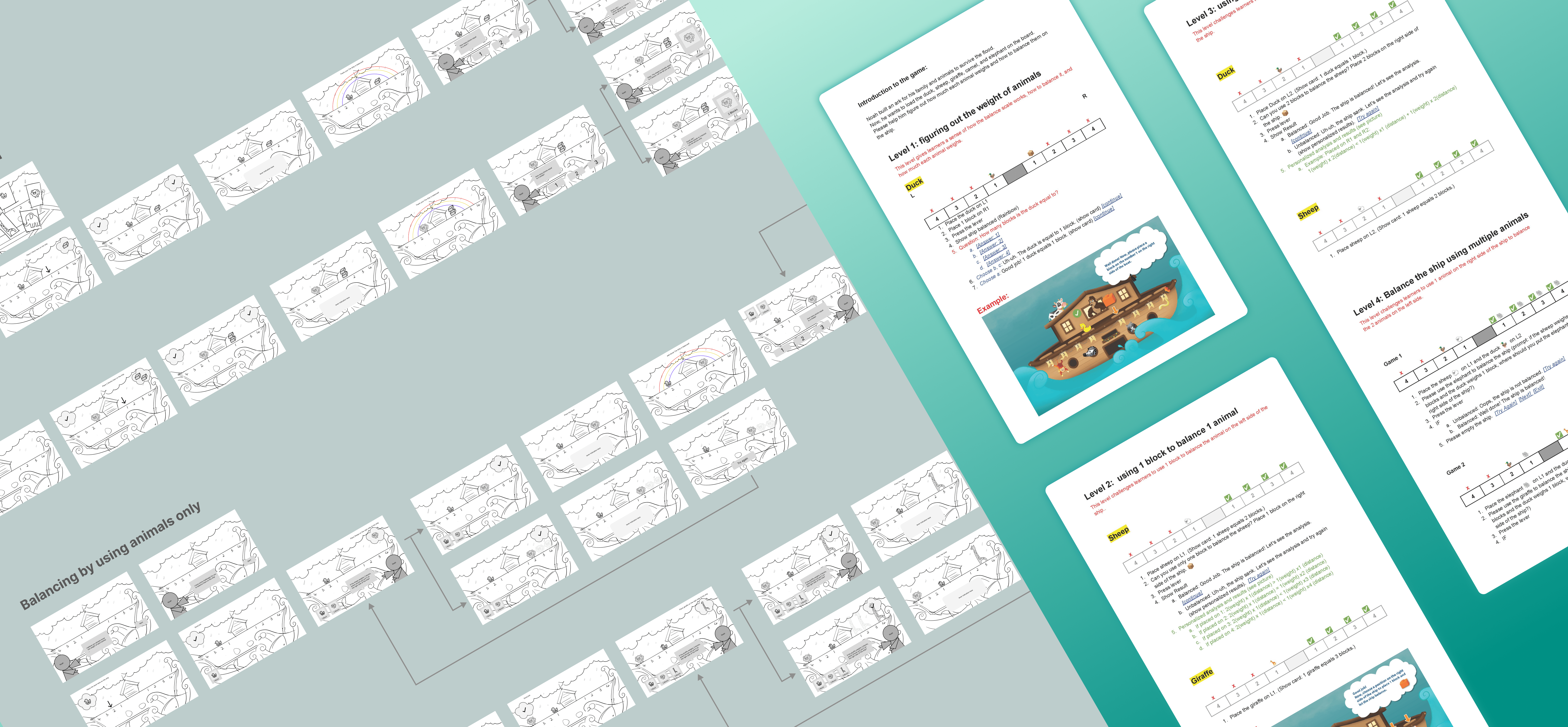
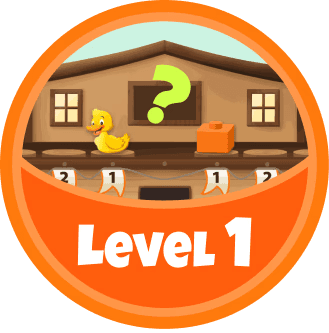
Level 1: Entry
Students begin by identifying how many blocks each animal equals, building the foundation for later reasoning.
SR
Levels 2–4: Progressive
Students move through more complex challenges, from balancing with one block to combining distance and weight. A formula screen after each play helps students see the reasoning.

INTERACTION
Guiding Learners, Supporting Teachers
CI
Timely Prompts
Prompts clearly introduced the task, helping students know what to place and where to begin.


CI
Misplaced Support
The system responded to misplaced setups with understandable guidance, helping students recover and teachers explain why.
EXPLANATION
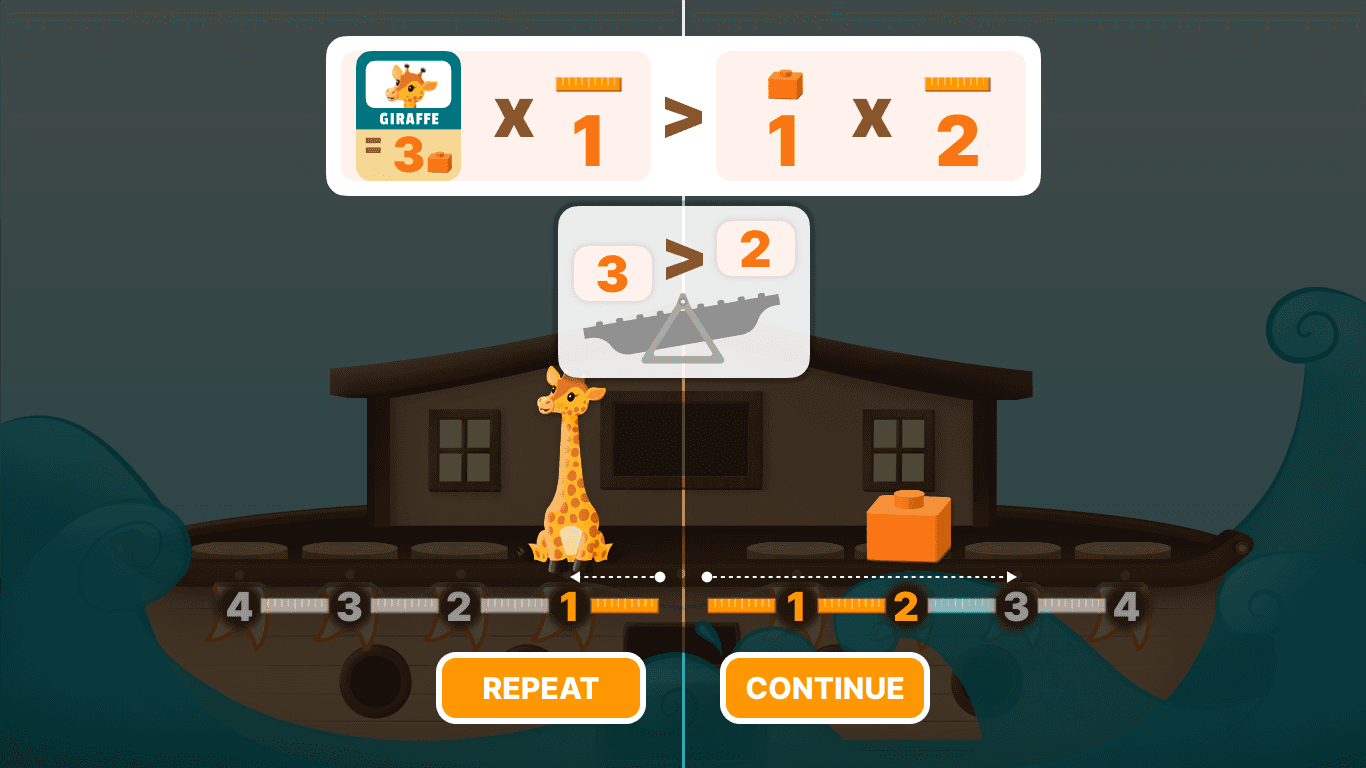
Making Formulas More Intuitive
VE
Result Visualization
A/B testing showed that visualizing the outcome made the relationship between the result and the formula easier to understand.
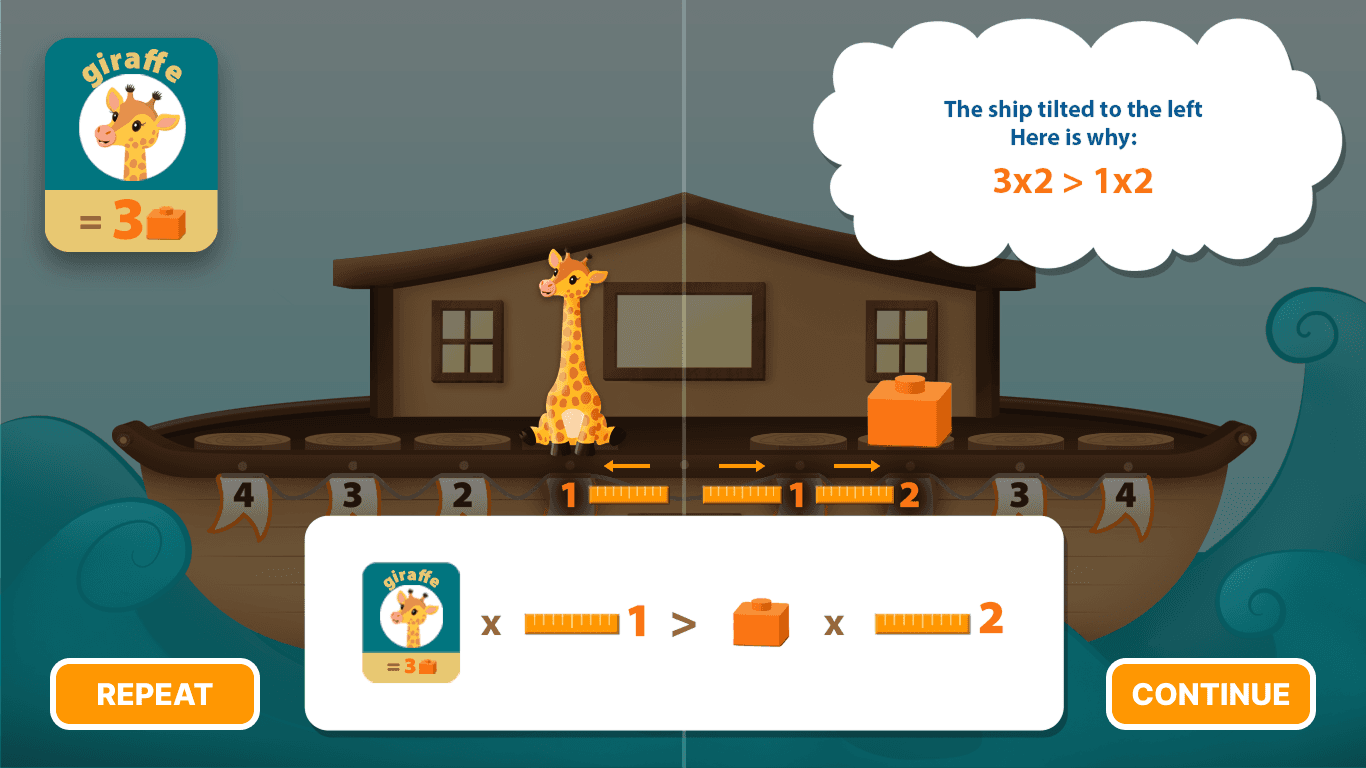
Test A
Show verbal result with formula
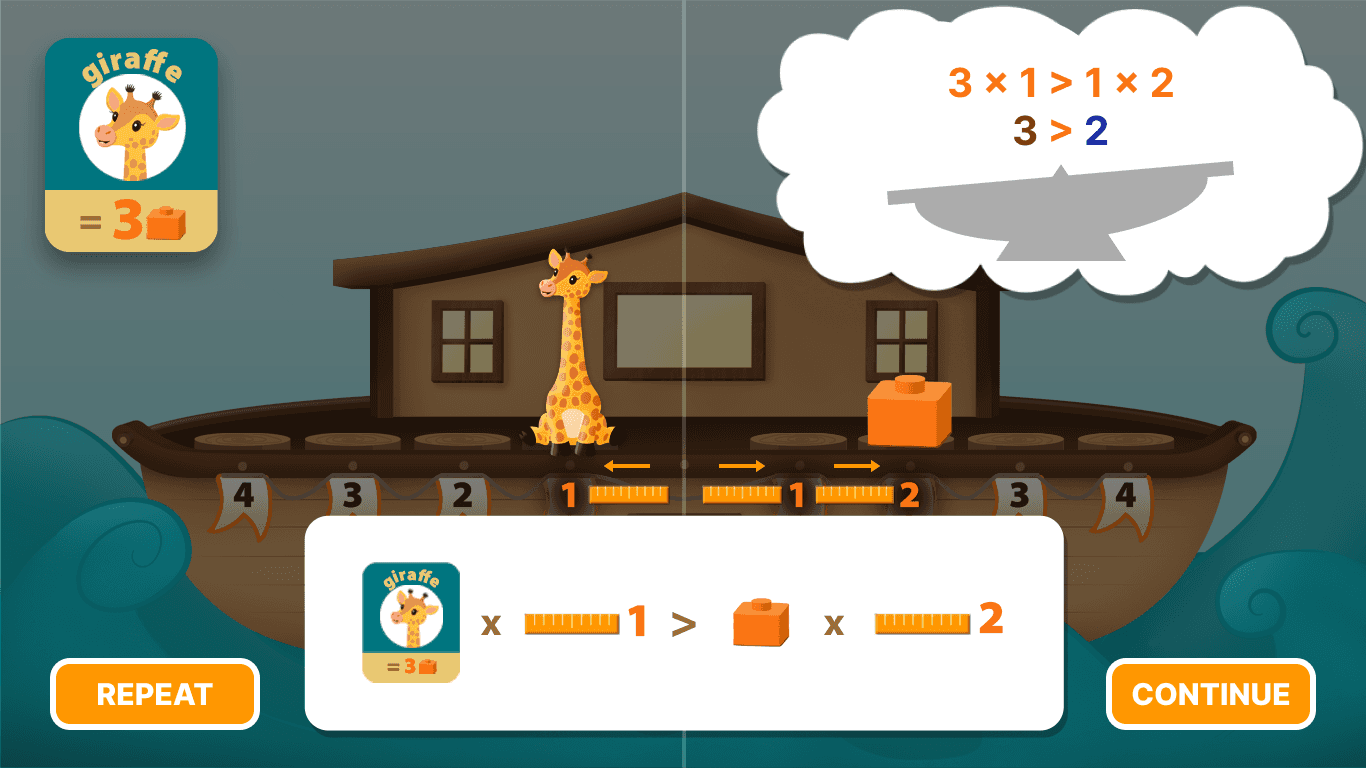
Test B
Show formula with calculated outcome and tilt boat image
VE
Distance Cues
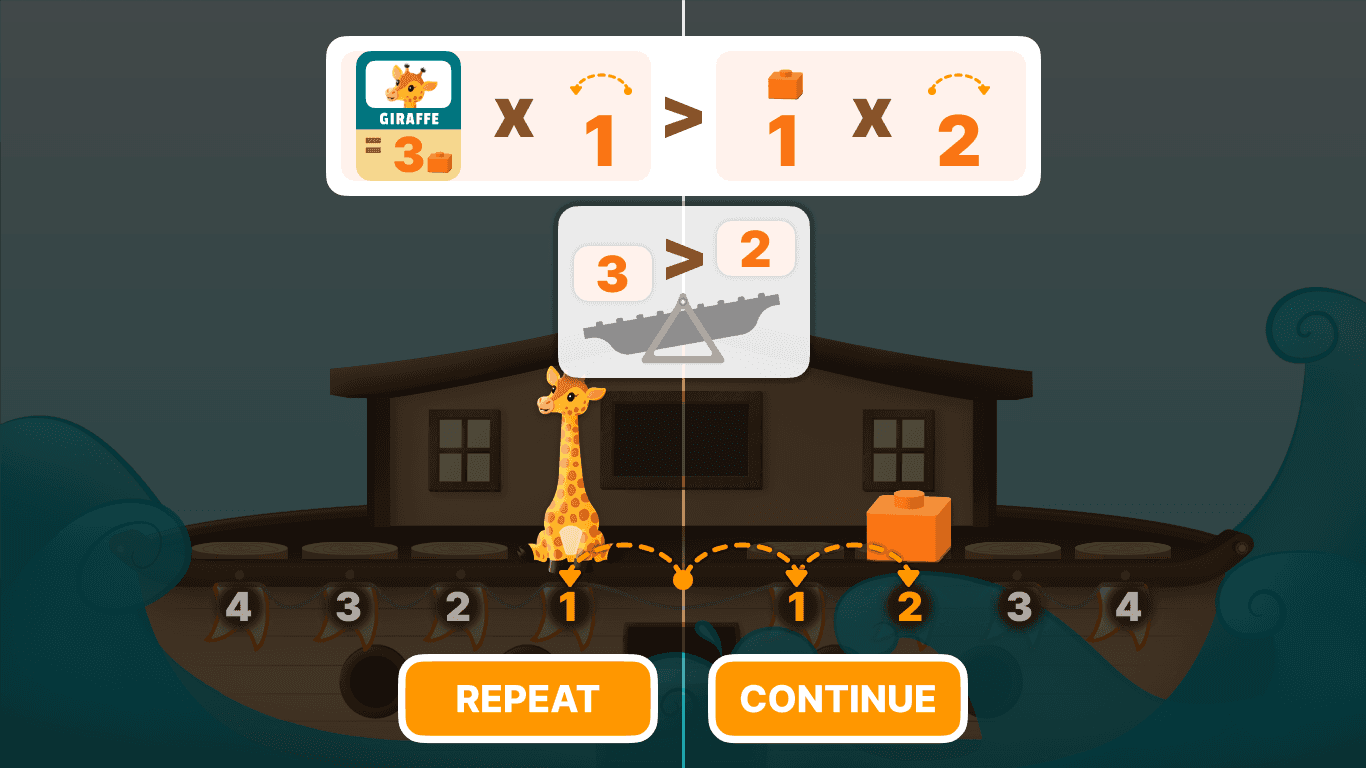
A/B testing showed that curved cues communicated distance more clearly than ruler markers during explanation.
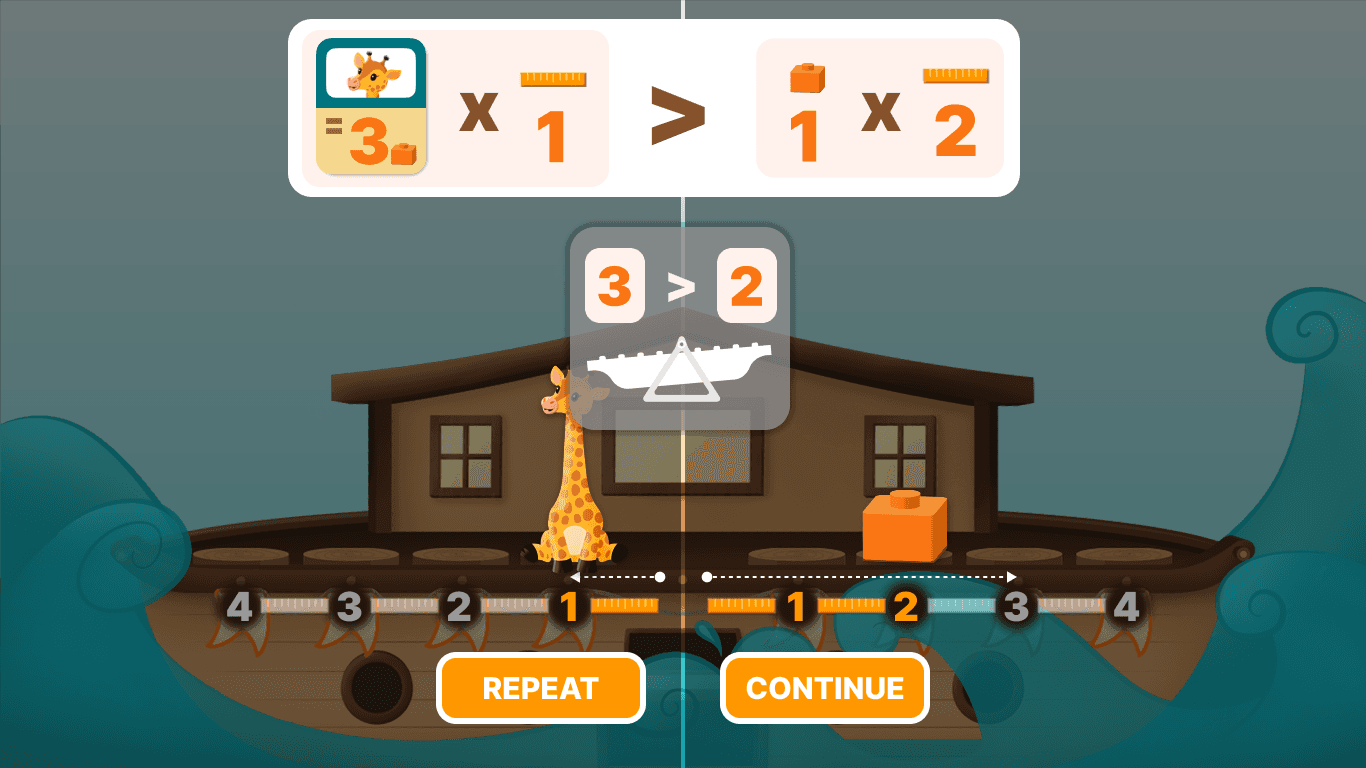
Test A
Use ruler markers and arrows to show distance
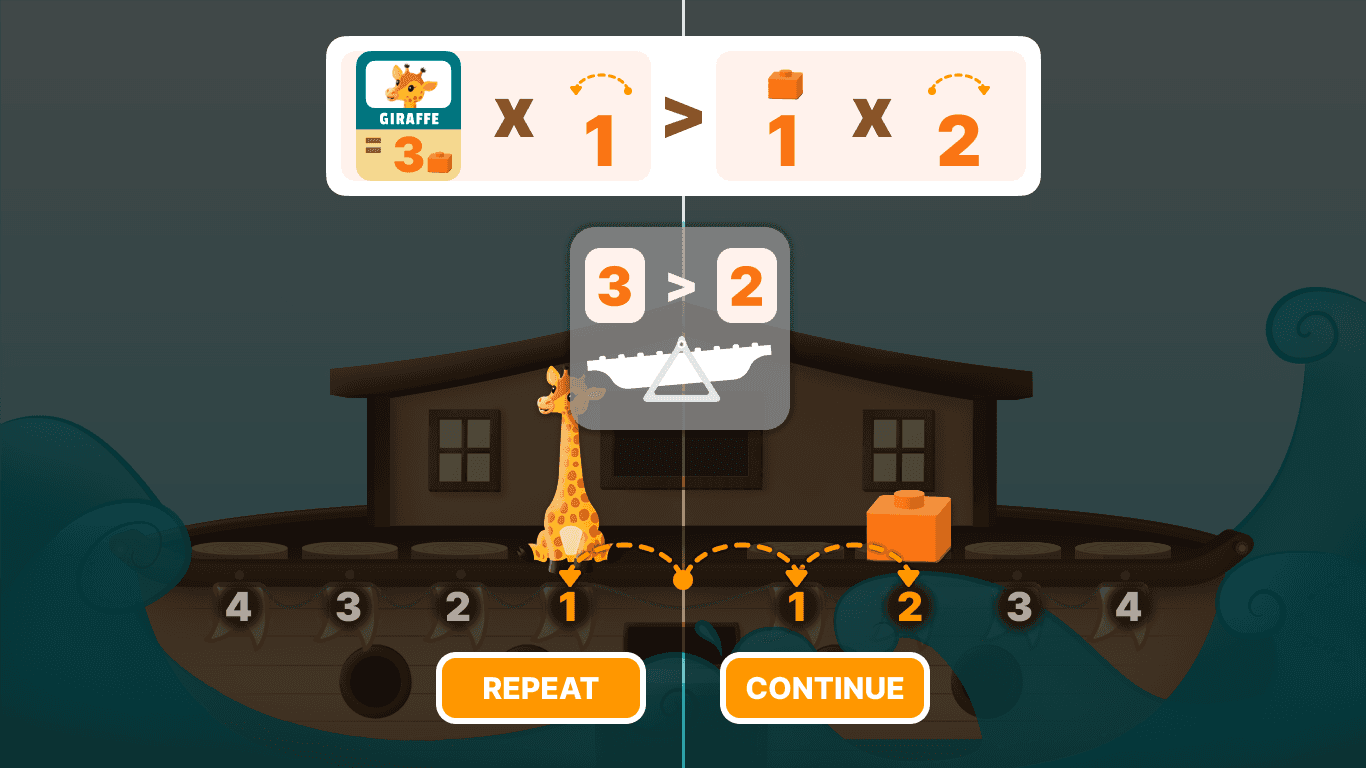
Test B
Use curved cues with arrows to show distance