My Role
Product Designer and Researcher
I led the end-to-end UIUX design of an educational game for a mixed physical-digital science station, developing an AI-guided learning experience to teach 4–12-year-olds the Balance Scale concept through two interactive modes: "Build" and "Guess".
Tools
Figma, Procreate, Adobe Illustrator, Adobe Photoshop
Team
Chuang Ma, SWE
Henry Chang, SWE
Nersa Yannier, PH.D., Founder and CEO
Kenneth Koedinger, PH.D, Founder
Timeline
Aug. 2023 — Nov. 2024
OVERVIEW
The Intelligent Science Station
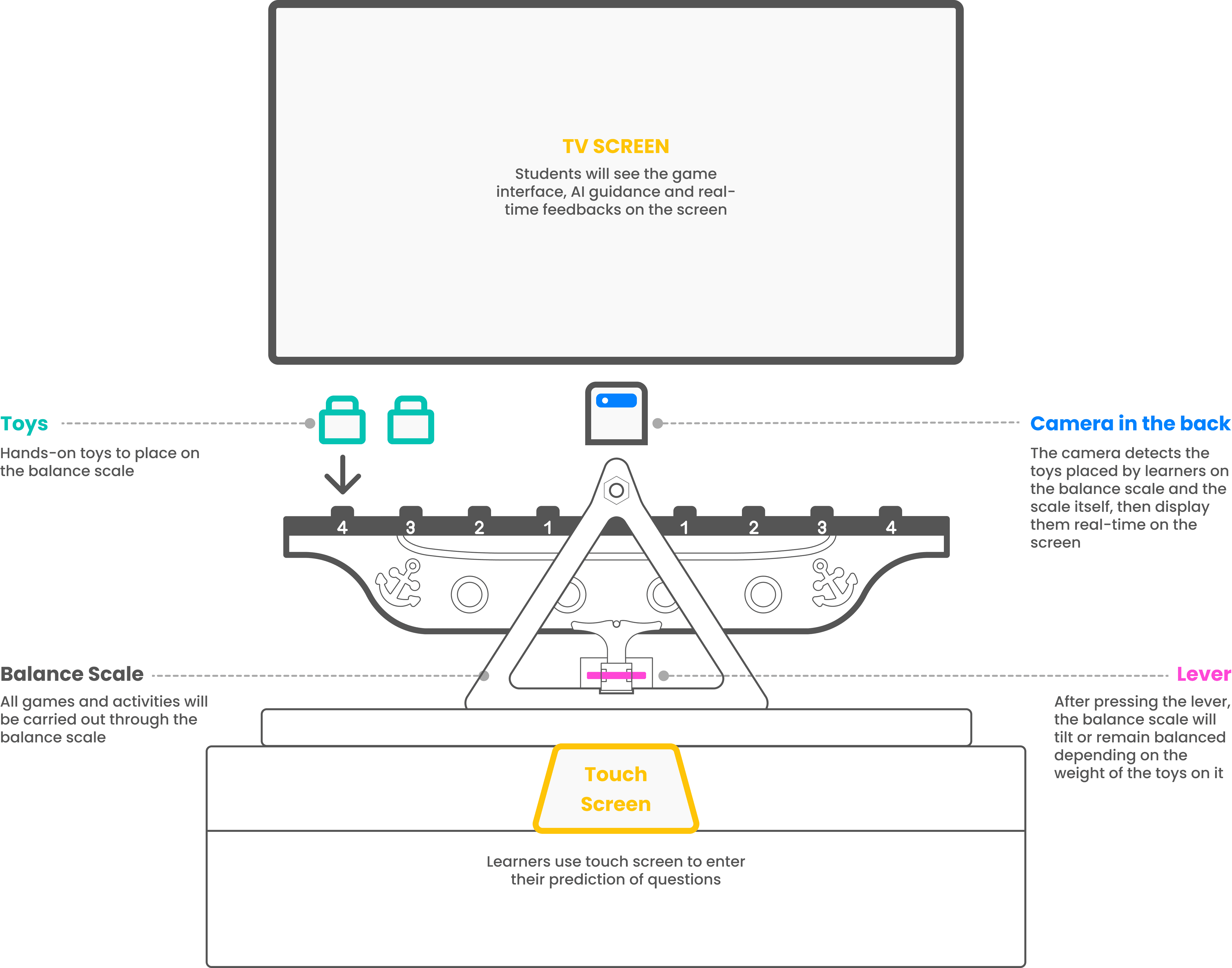
An AI-guided physical-digital learning system designed to help K–12 learners understand balance scale concepts through interactive play.
RESEARCH INSIGHTS
AI-Guided + Hands-On Learning
Combining AI-guided feedback with hands-on activities under the scientific inquiry method leads to active learning.
Scientific Inquiry
Less focus on scientific facts and more experiences with scientific inquiry better engage the natural curiosity of children.
Interactive Guidance
Provide adaptive, automated feedback to guide children in scientific inquiry leads to more robust learning outcomes.
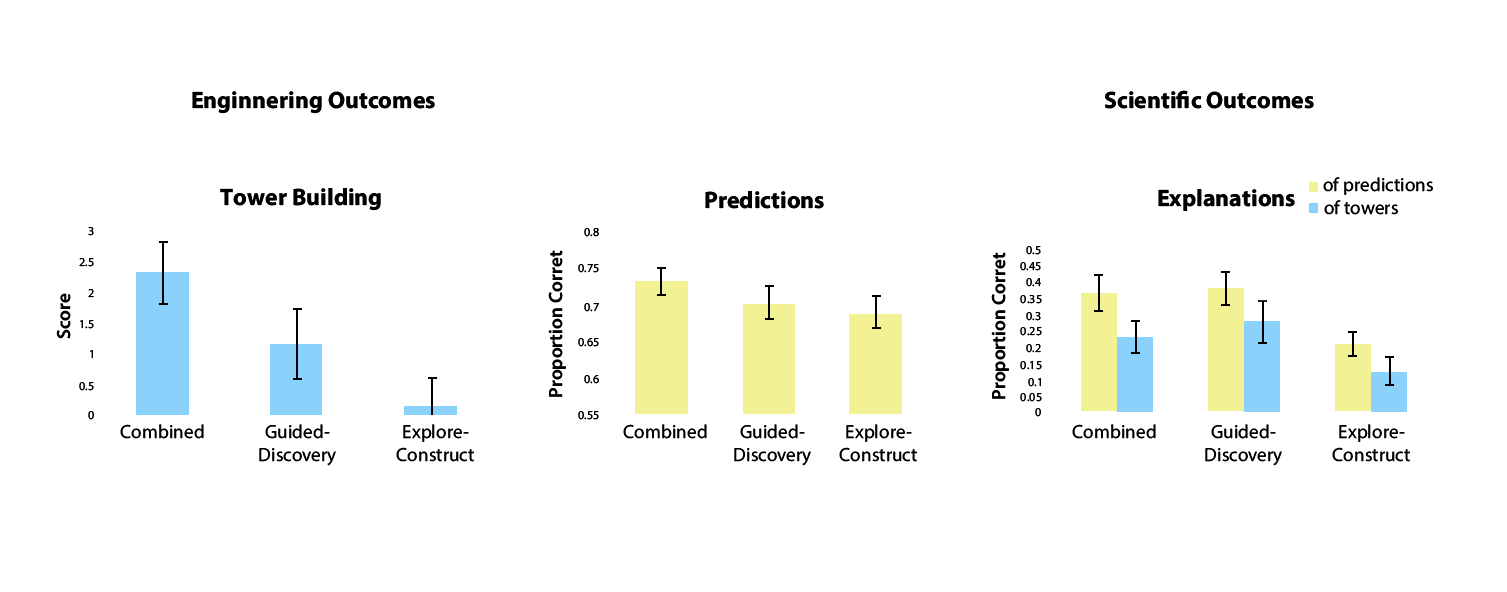
"ACTIVE LEARNING IS ABOUT MORE THAN HANDS-ON: A MIXED-REALITY AI SYSTEM TO SUPPORT STEM EDUCATION"
Nesra Yannier1 & Scott E. Hudson1 & Kenneth R. Koedinger1
PROJECT SCOPE
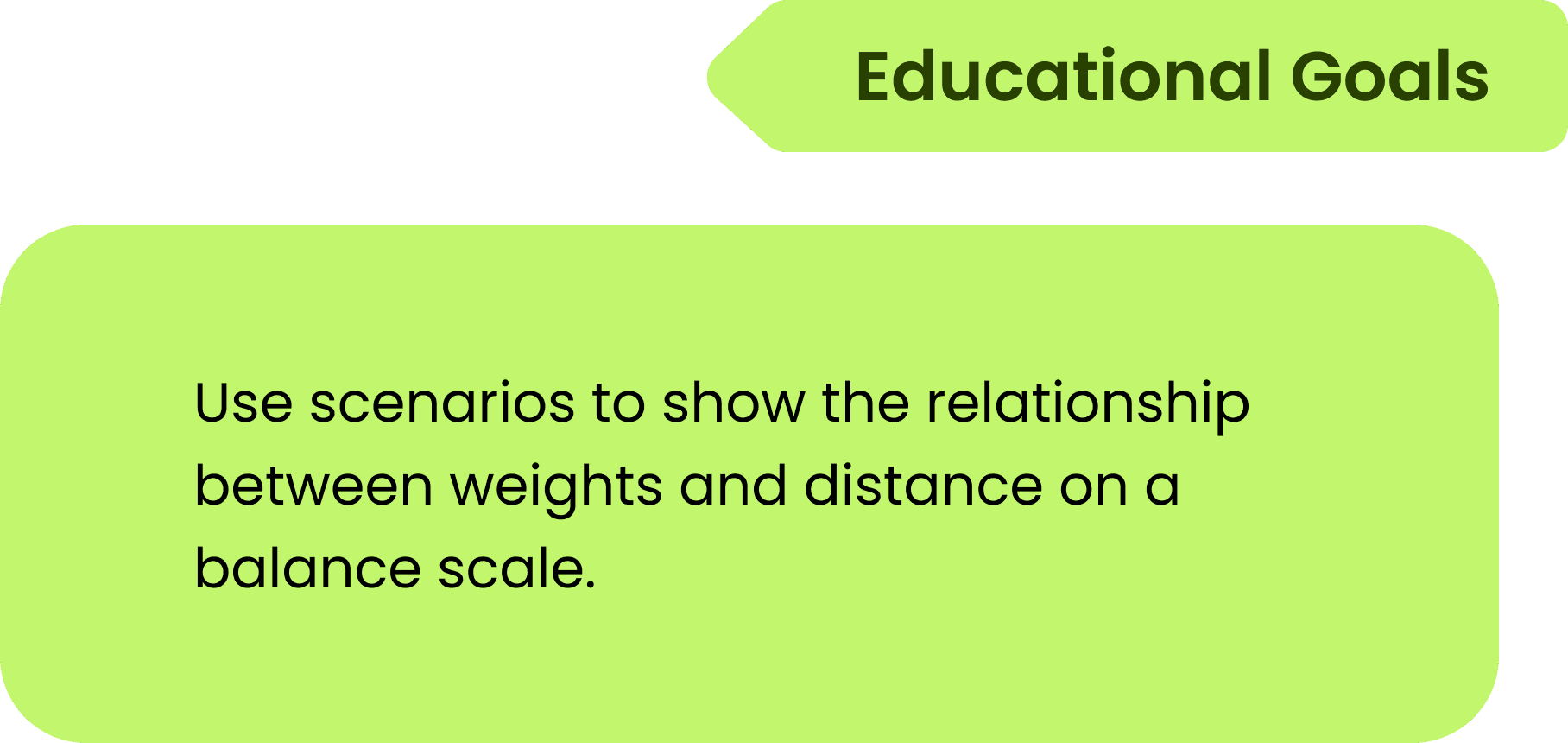
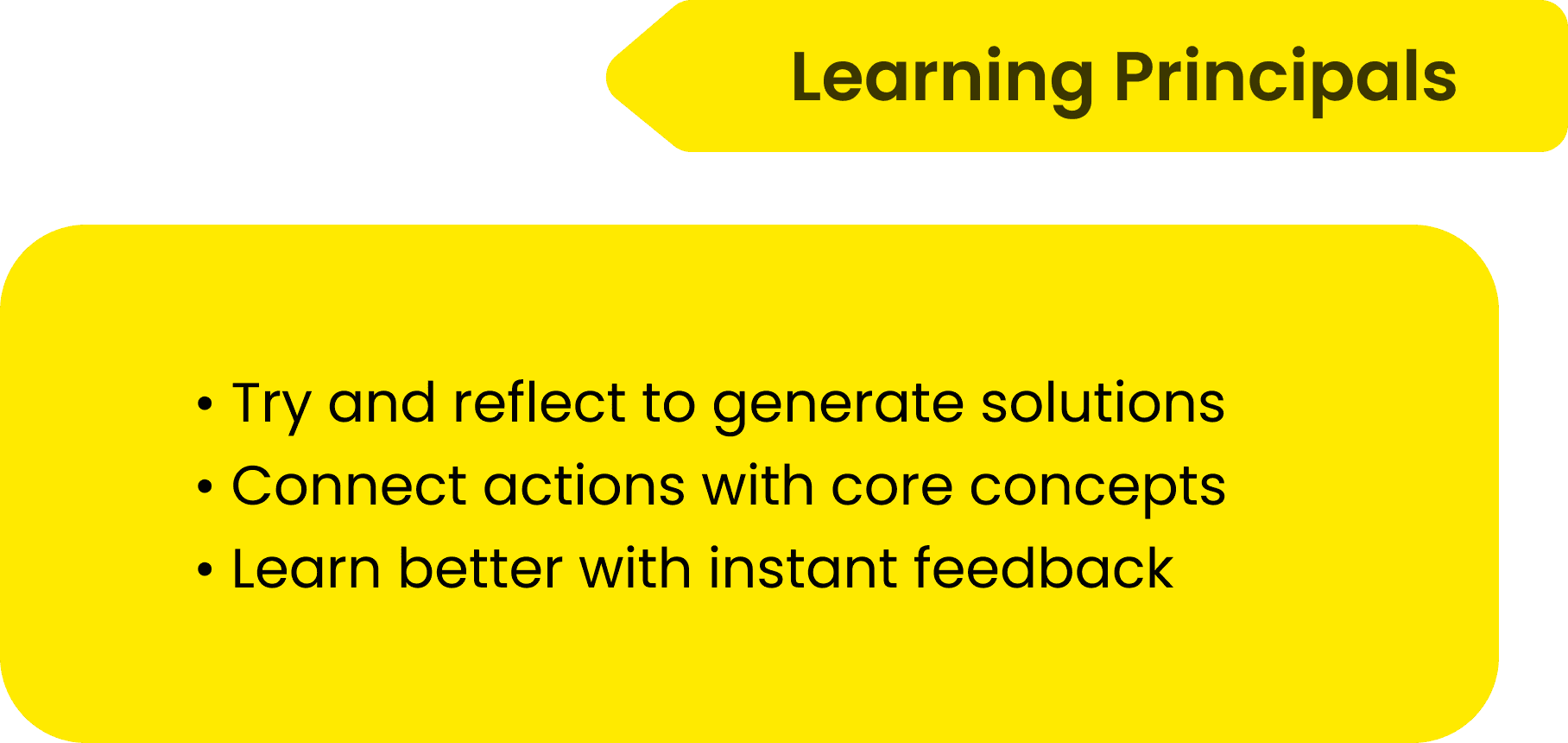
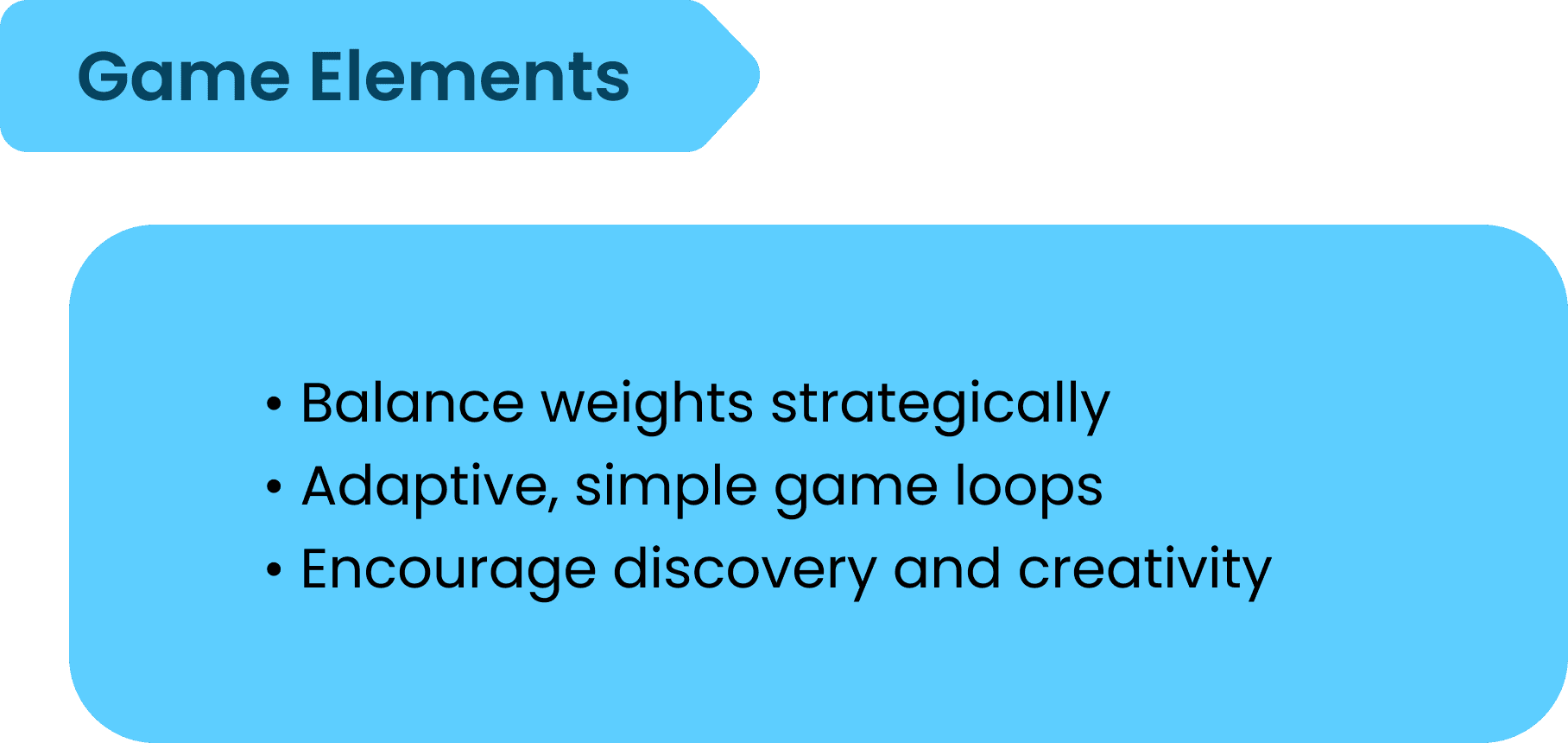
Leverage EDGE Framework as a Guidance
WHAT and HOW do we design this learning experience?


PROJECT CHALLENGES
Diverse Game Experiences
Existing modes like Play and Compete focus on structured tasks and result prediction, limiting opportunities for open-ended exploration and explicit explanations of underlying concepts and formulas.
PROJECT PLAN
Two Learning Contexts and Paths
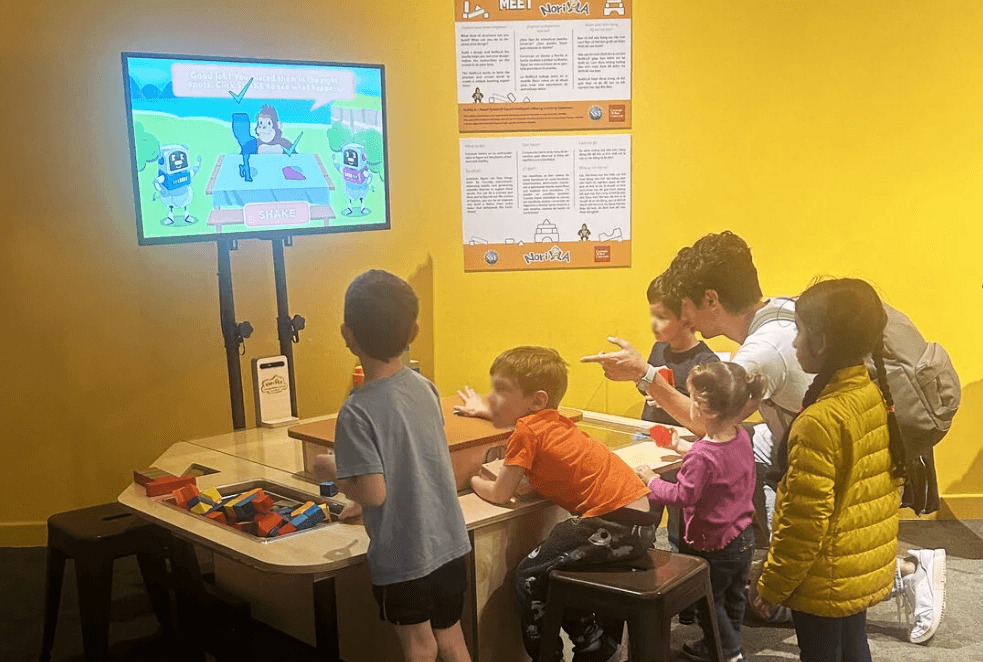

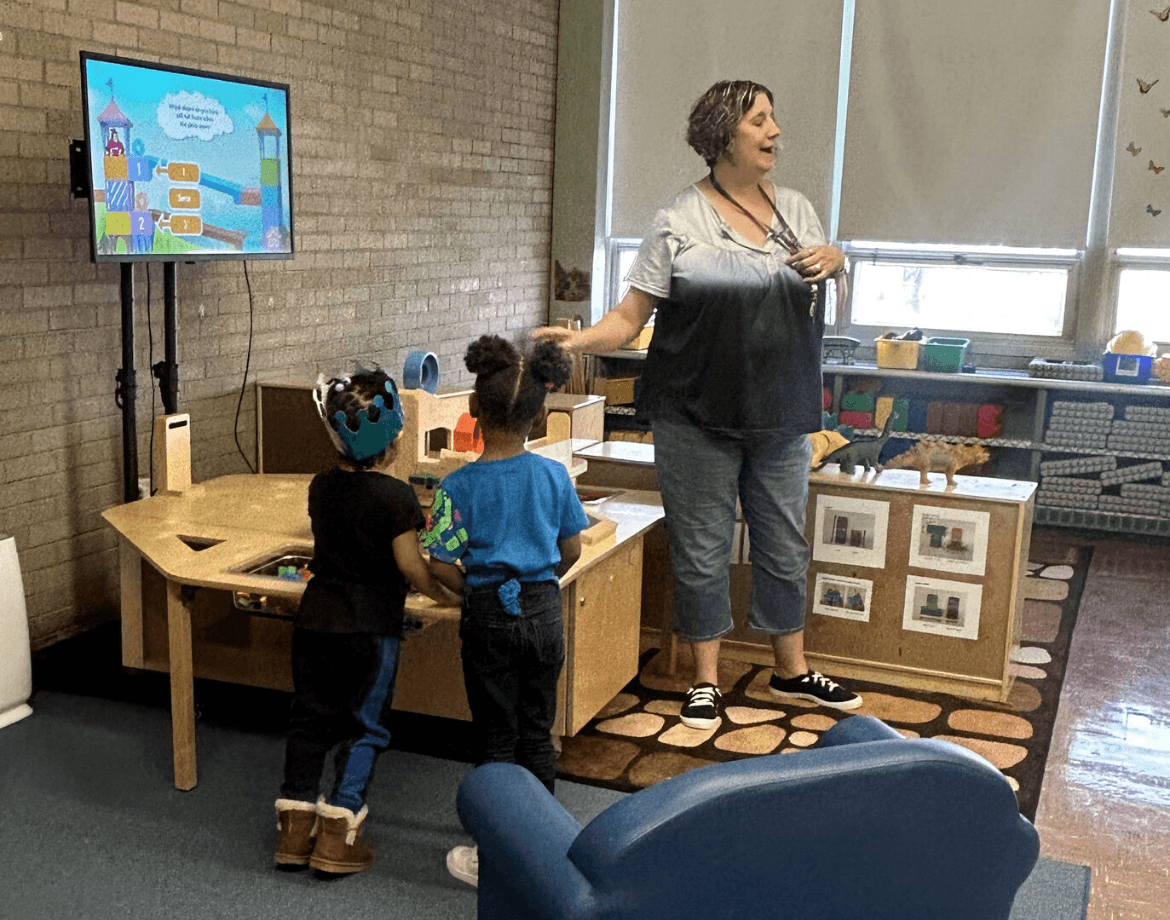
Museum Scenario
Build mode supports mixed-age learners and encourages open-ended exploration.
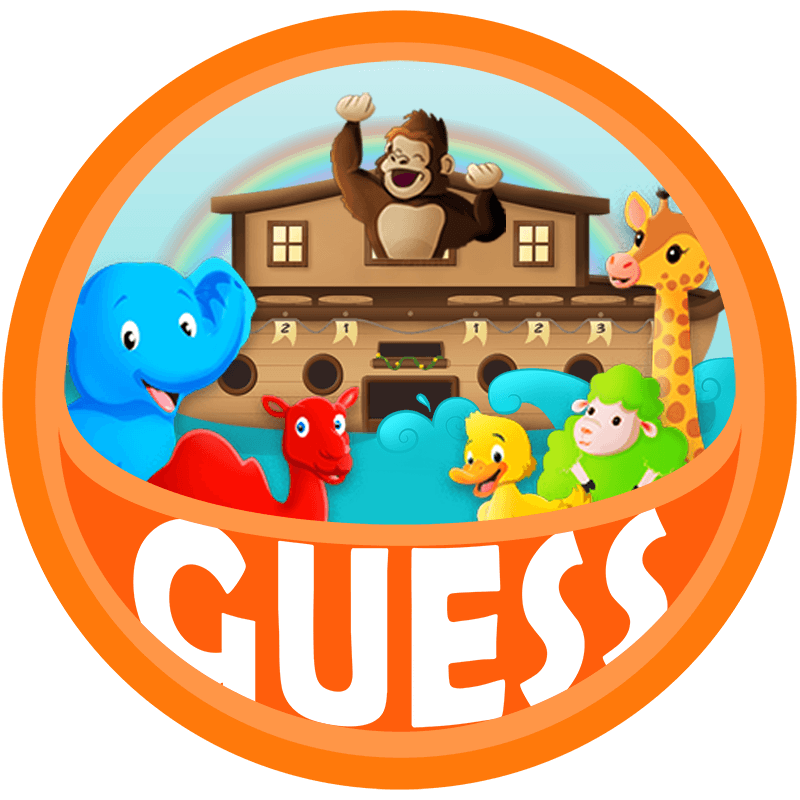
School Scenario
Guess mode supports reasoning and formula-based learning for 3rd+ grade.
Guess Mode Design
DESIGN GOALS
Consider the Complex Scenarios
CHALLENGE 1
Lack of Focus
Children run around in the museum and are not very focused on one installation.
CHALLENGE 2
Mixed Ages of Learners
People of different ages come to the museum, and even adults and children play together.
DESIGN GOAL 1
Linear Flow
• Immediate understanding of what to do
• Short, repeatable interaction cycles
DESIGN GOAL 2
Multi-Level Participation
• Engage learners of different ages and abilities
• Provide flexible entry points within the same experience
DESIGN PRINCIPLES
Designing for Open-Ended Exploration
LB
Low-Barrier Entry
Make interactions intuitive with light-touch instructions that guide without interrupting exploration.
CS
Collaborative Space
Design shared spaces that encourage idea exchange and experiments among mixed-age learners.
SM
Seamless
Mapping
Ensure actions on the scale are instantly reflected on screen to reinforce cause and effect.
EF
Experimental
Feedback
Provide real-time, clear feedback that encourages iteration rather than penalizing mistakes.
LAYOUT EXPLORATION
The Cargo Loading Game
INSPRIATION
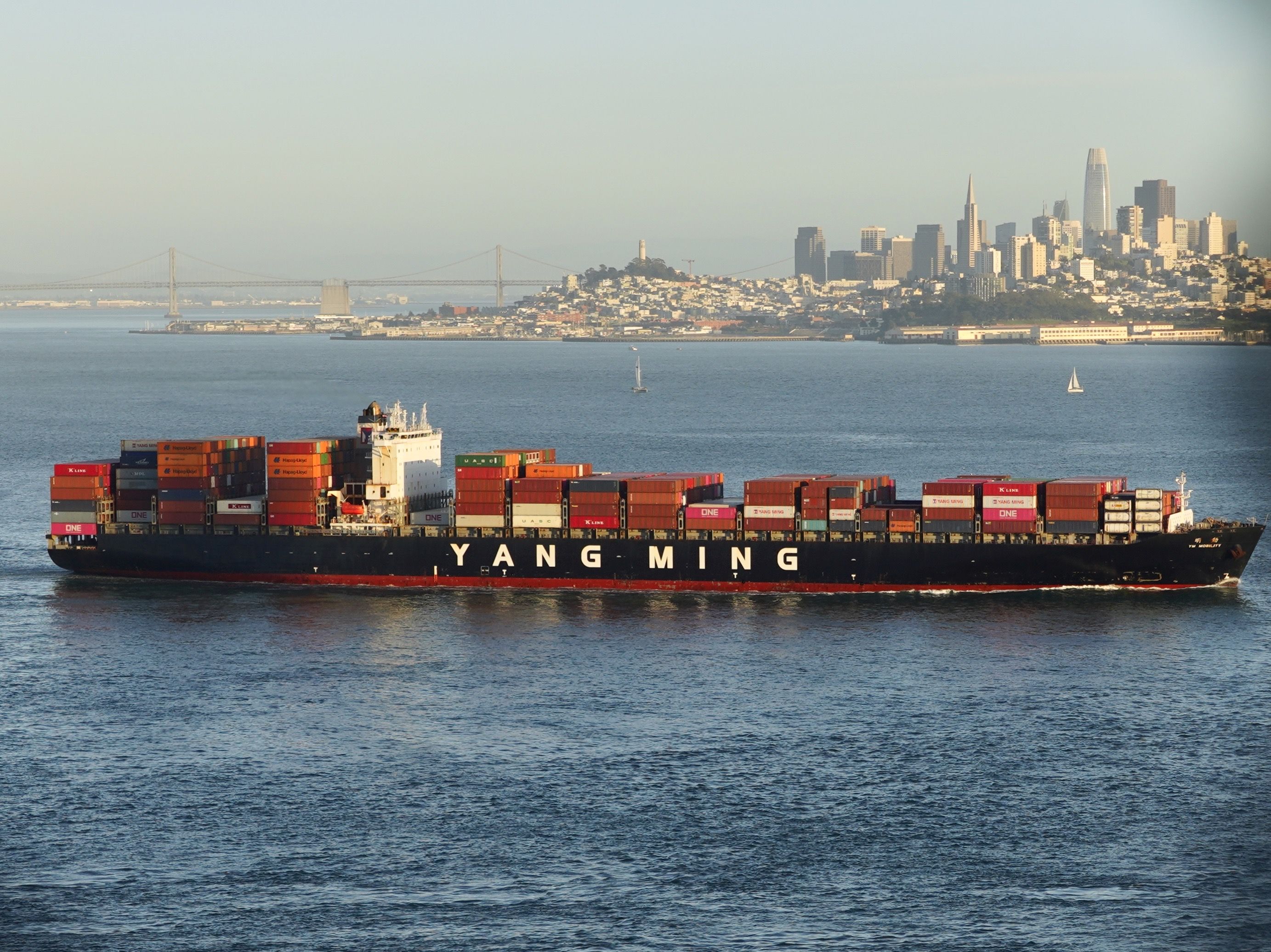
The idea came from the similarity between LEGO bricks and stacked cargo containers. Learners load “cargo” onto the ship, turning balance concepts into a meaningful, collaborative game.

01 Initial Layout
ISSUES IDENTIFIED
LB
Character overlap increases visual confusion
SM
Layered UI elements break cause-and-effect clarity
EF
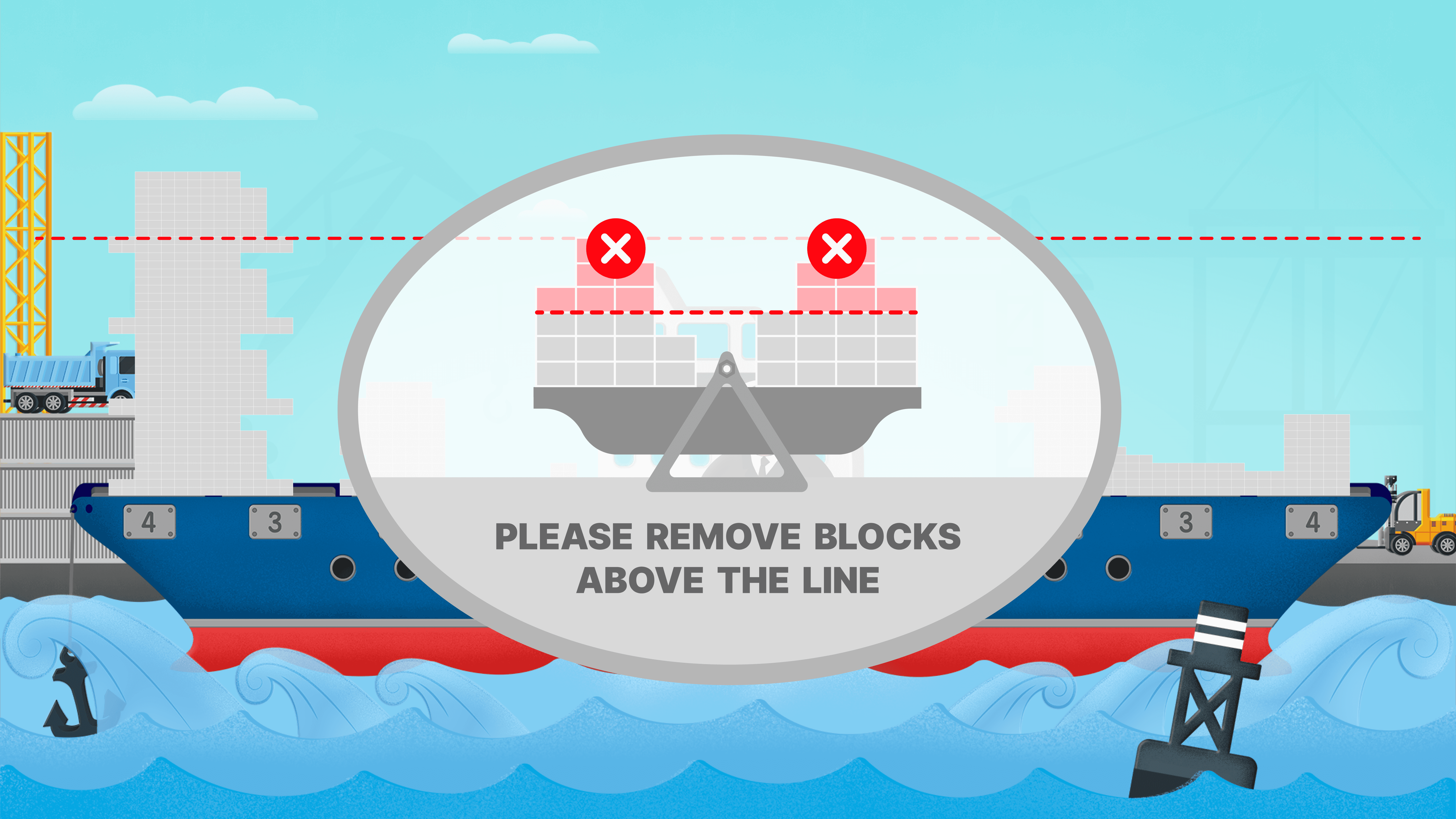
Interrupted interaction disrupts experimentation flow.
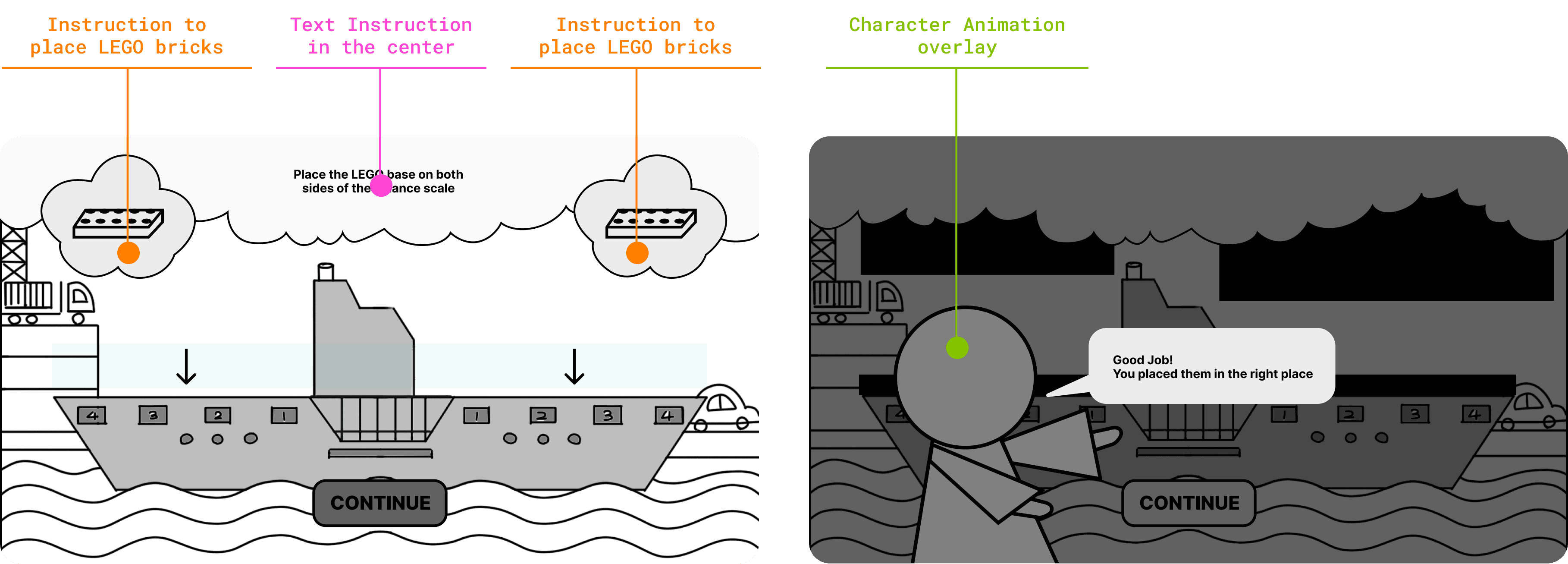
02 Layout Iteration
ISSUES IDENTIFIED
CS
Layout feels individual-task focused
SM
Instructions position feel detached from interaction
EF
Slight cognitive load due to layered messaging
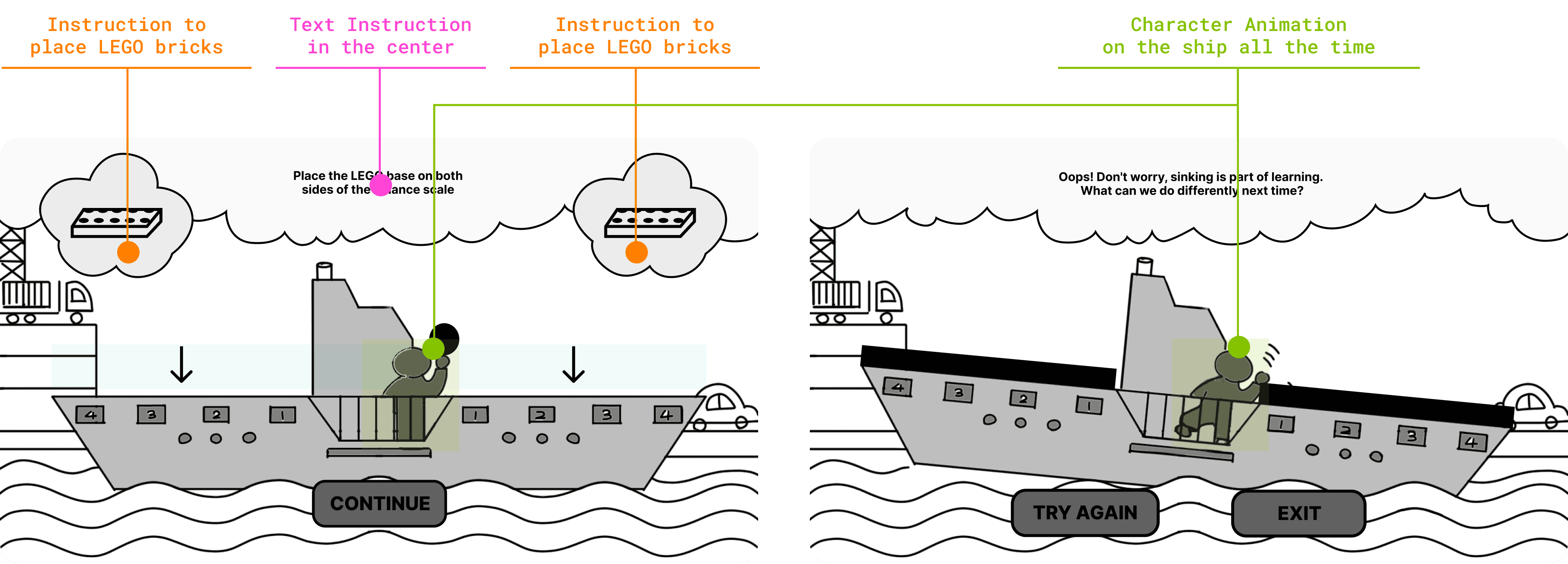
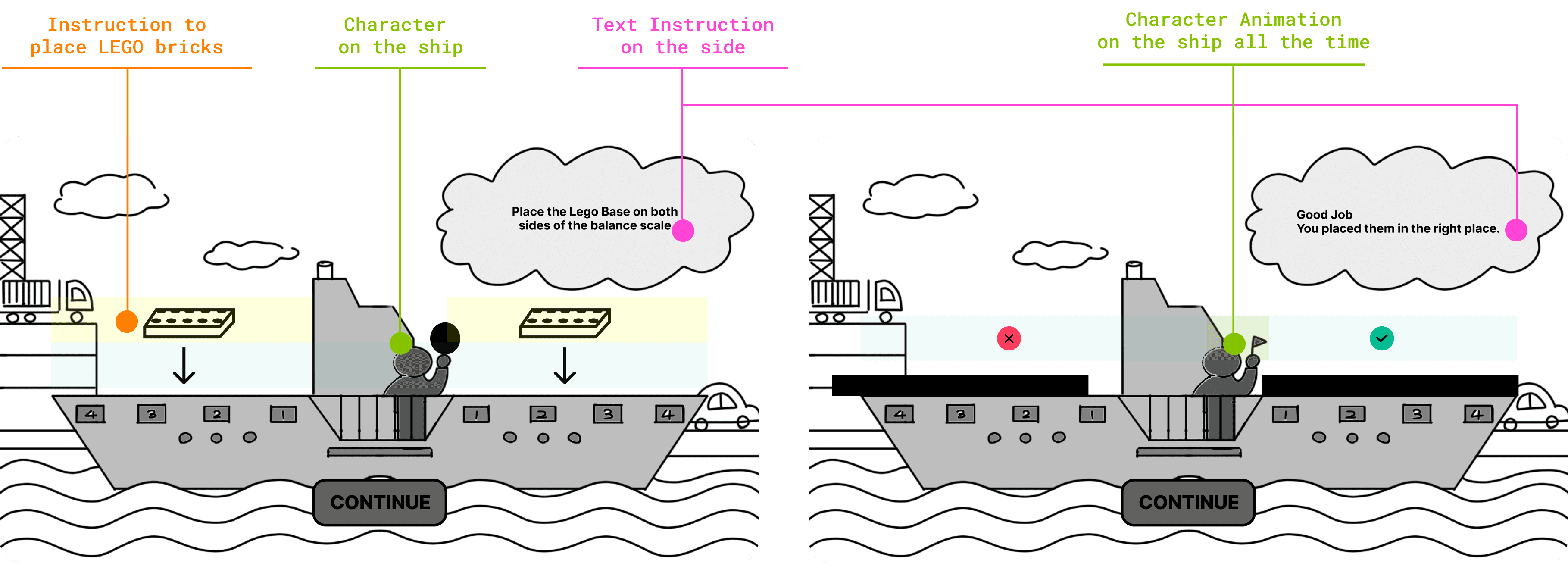
03 Final Solution
ISSUES SOLVED
LB
Instructions are embedded within the scene context
CS
Shared instruction focus area supports idea exchange
SM
Clear physical–digital cause-and-effect mapping
EF
Real-time feedback on each step encourages iteration
GAME FLOW
Clear and Engaging Linear Flow
01 Initial Flow
Which side of the ship will sink?
Context
Learners build with unlimited LEGOs on ship
Activity
Learners build on own side within a timeframe
Outcome
Show the ship balance result to learners
Feedback
Show learners the underlying reasons
Pros
• High freedom for creative exploration
Cons
• Hard to grasp concepts
• Time pressure may frustrate young learners
02 Iteration
How to balance the ship?
Context
Assign a set number of LEGOs to learners
Activity
Ask learners to balance the ship using LEGOs
Instruction
Show hints of how to make the ship balance
Outcome
Show results and encouragement if fail
Pros
• Promotes teamwork
• Concepts are more explicit
Cons
• Hints may reduce independent thinking.
• Restricted setup reduces experimentation
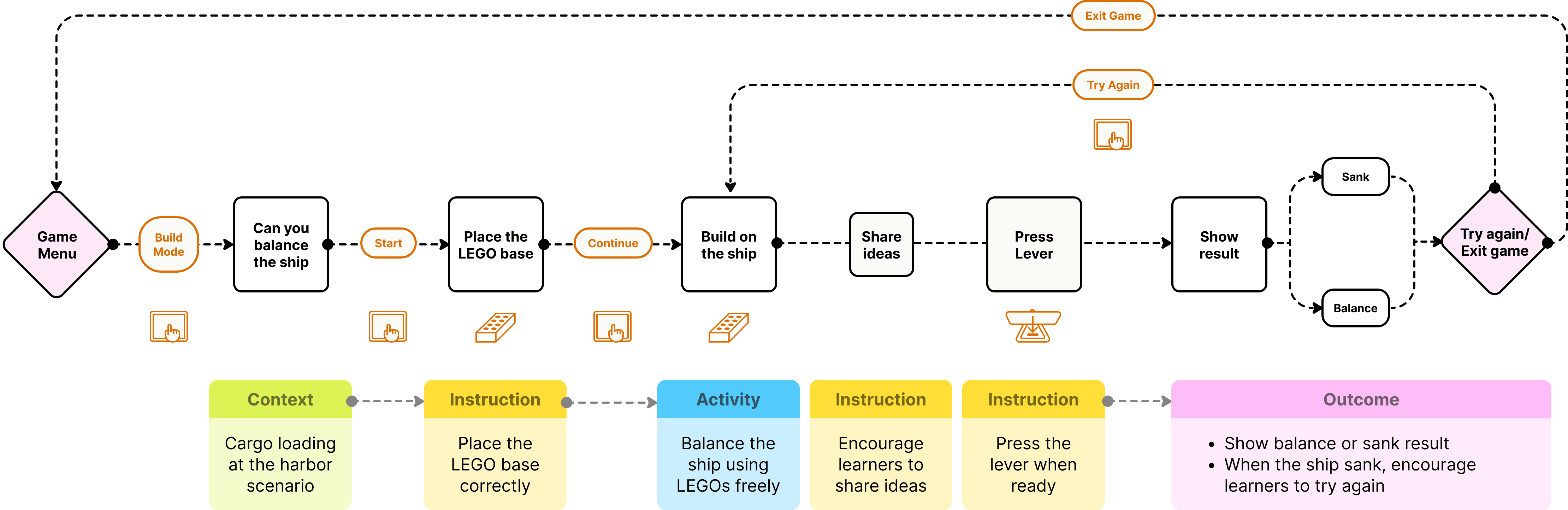
03 Final Game Flow
Can you balance the ship?
Context
Learners build with unlimited LEGOs on ship
Activity
Ask learners to balance the ship using LEGOs
Instruction
Encourage learners to share ideas
Outcome
Show results and encouragement if fail
Iteration on 1&2
• Maintains open exploration
• Encourages idea sharing instead of giving answers
• Balances guidance with learner's autonomy

DESIGN DELIVERABLES
Bringing Principles into Interaction
LB
Building the Context
Create a clear, story-driven context that helps learners quickly understand what to do and why.

LB
Intuitive Instructions
Use simple, embedded instructions to guide actions without interrupting exploration.


CS
Share Thoughts to Balance the ship
Encourage learners to share ideas and collaborate, turning problem-solving into a shared activity.
SM
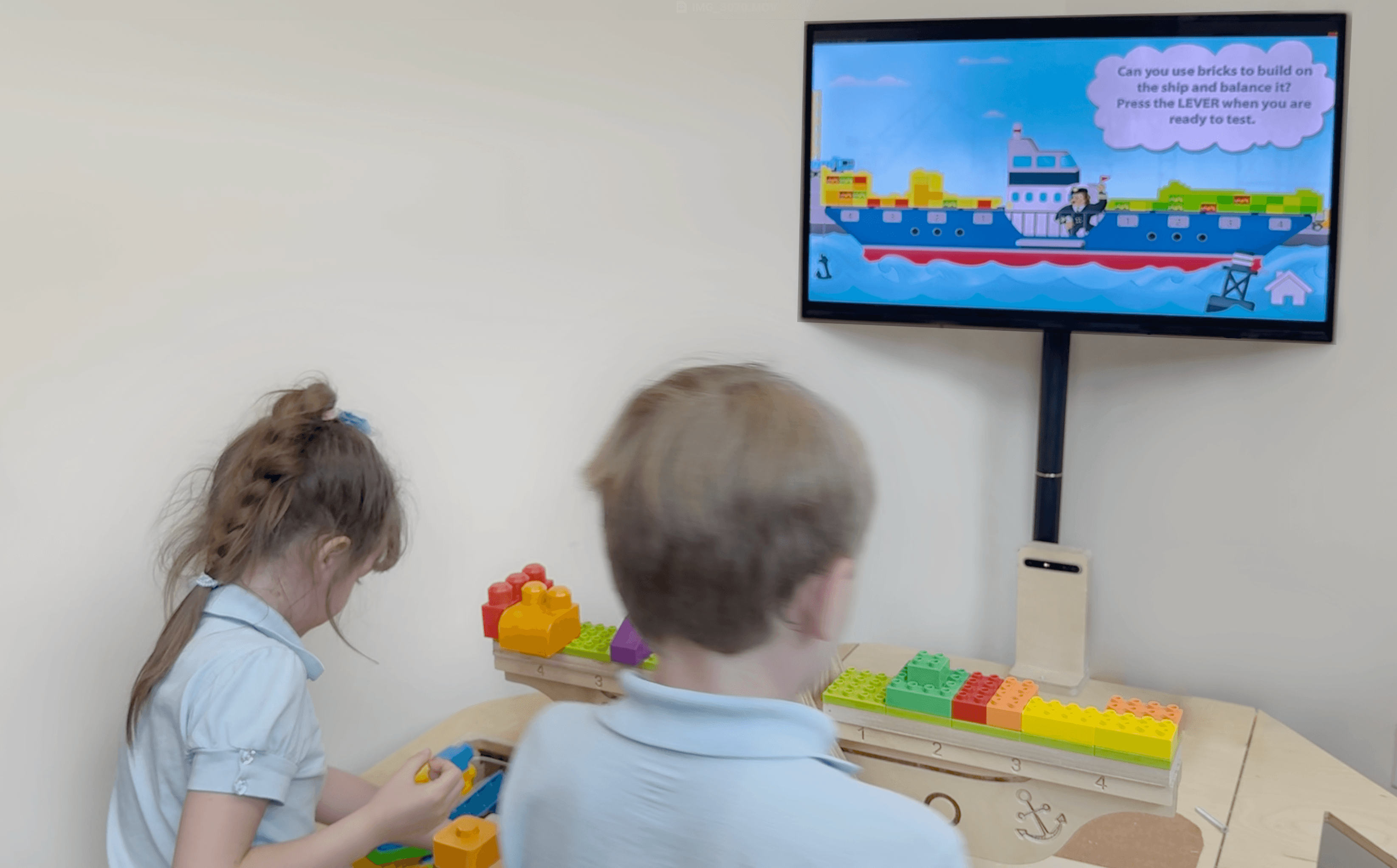
Visual Cargo Mapping
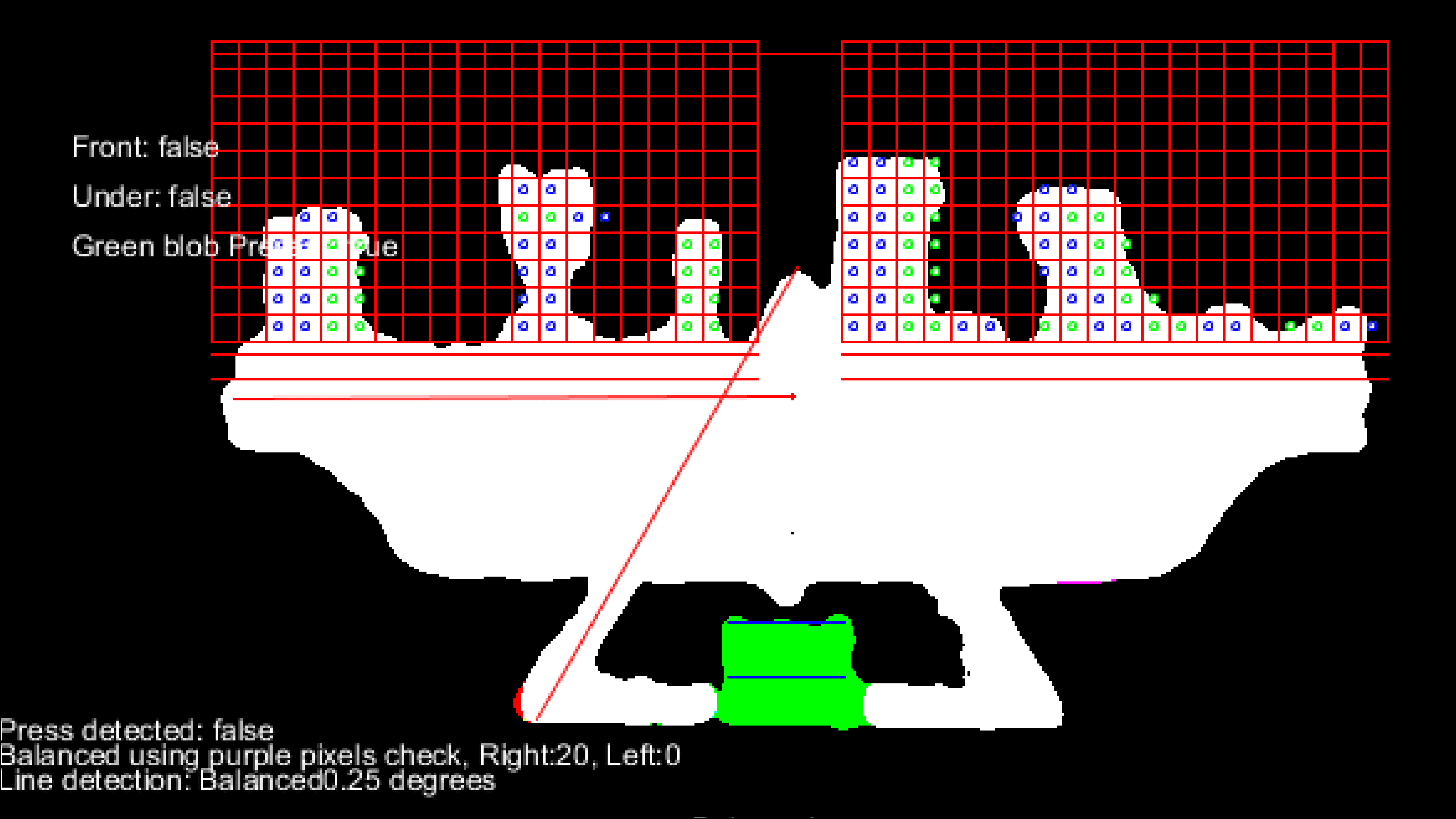
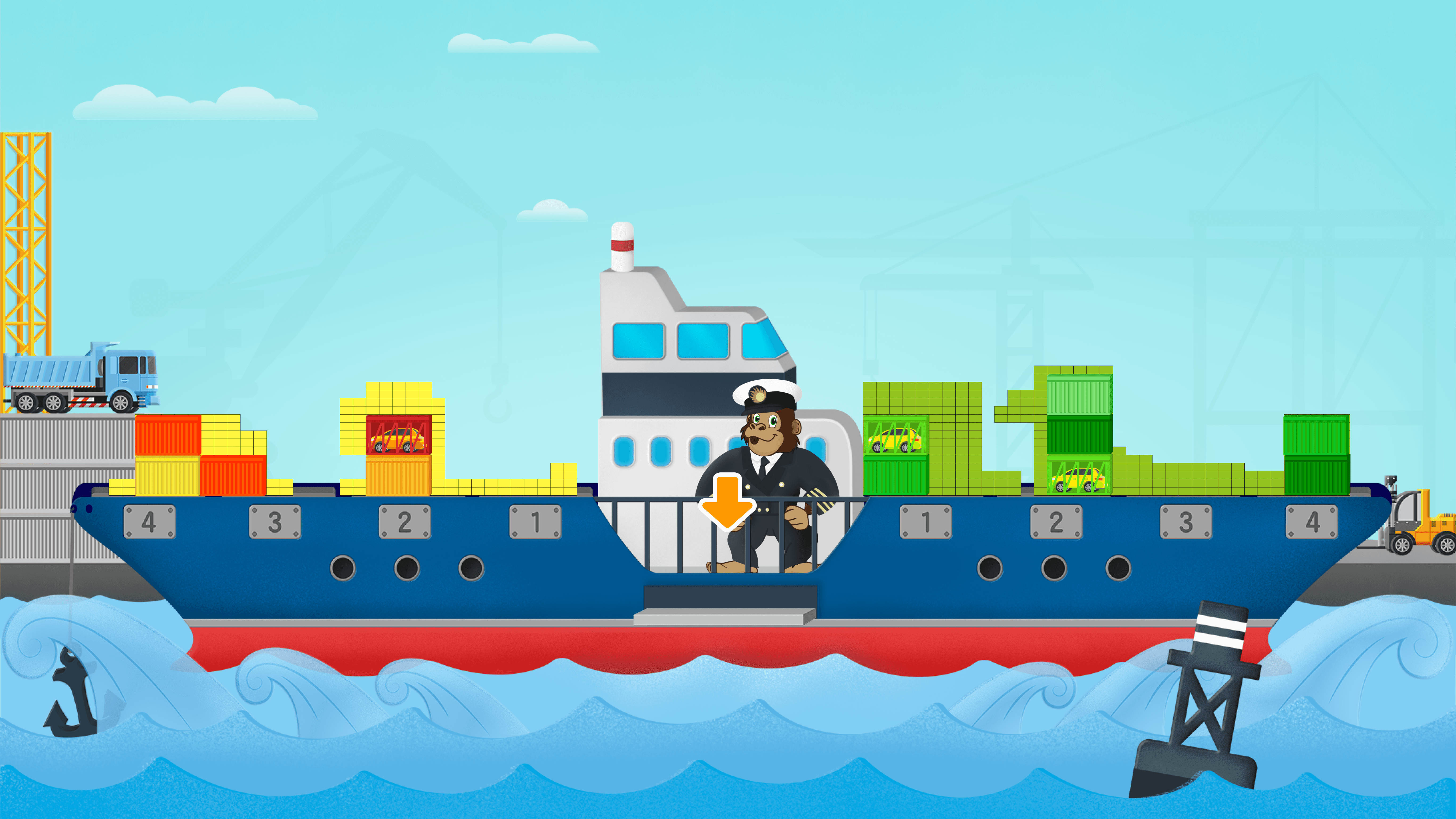
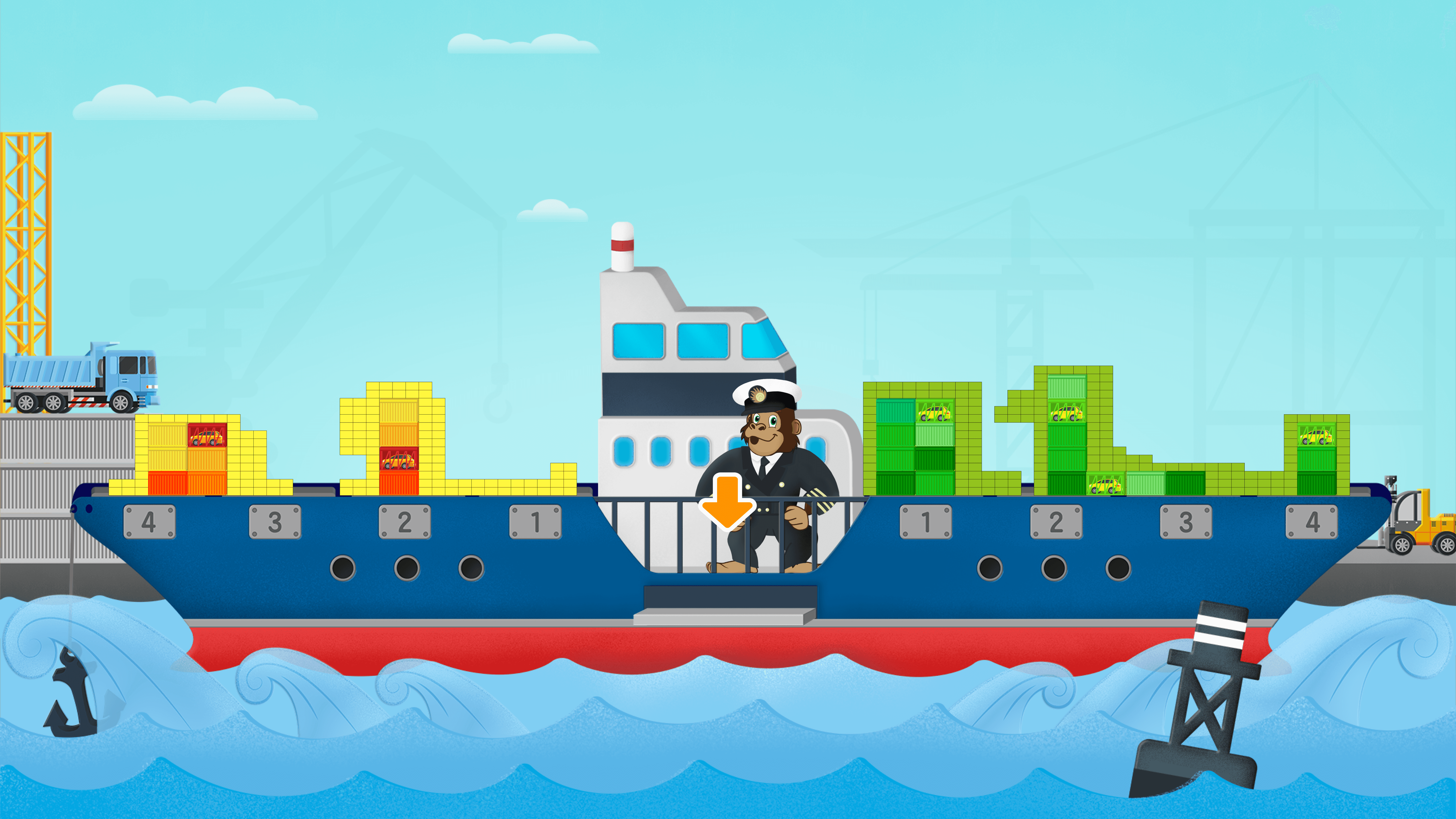
Ensure on-screen cargo directly reflects what learners build, reinforcing cause-and-effect understanding.

EF
Encouragement
Provide positive, timely feedback that motivates learners to continue experimenting.
EF

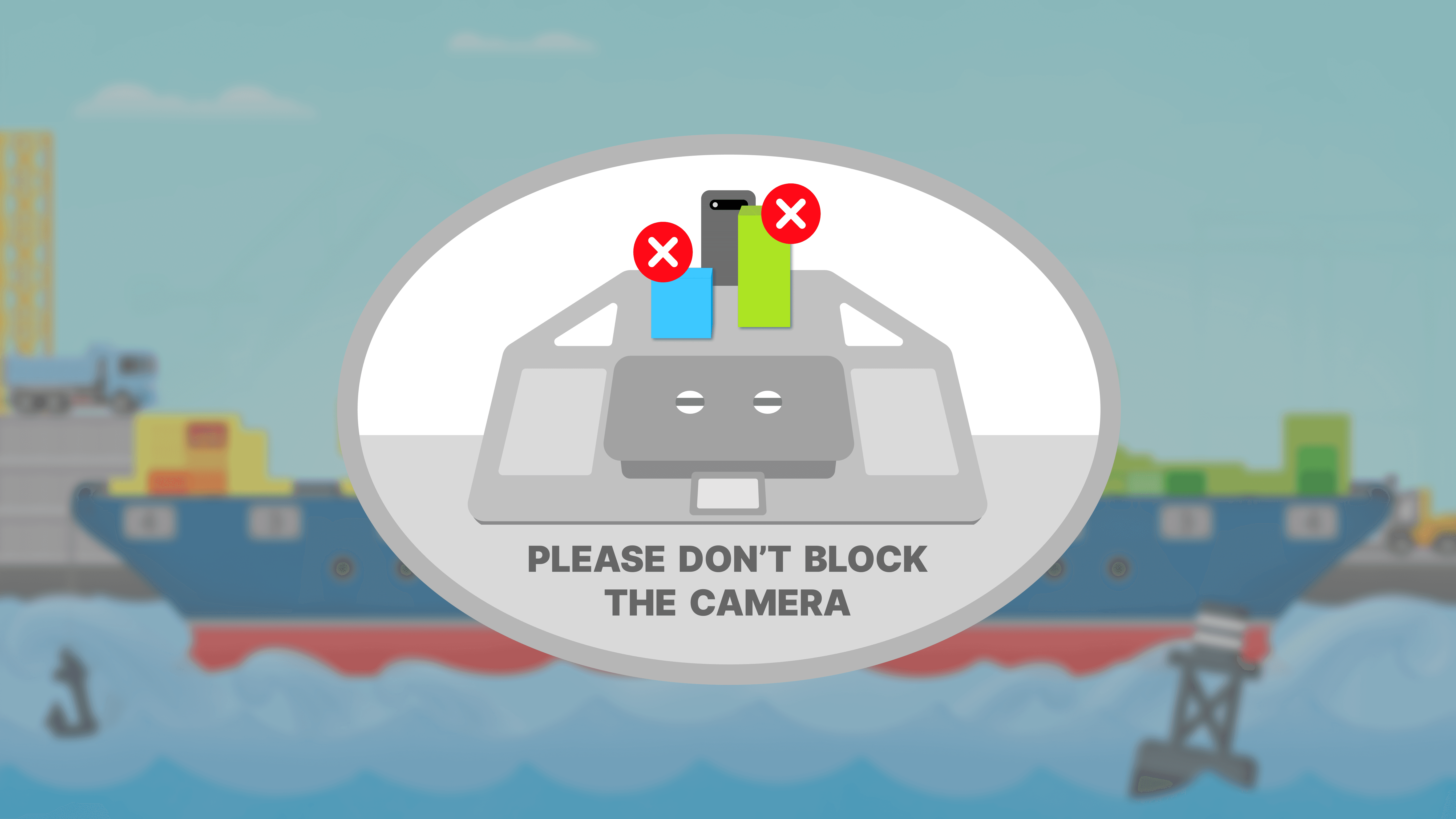
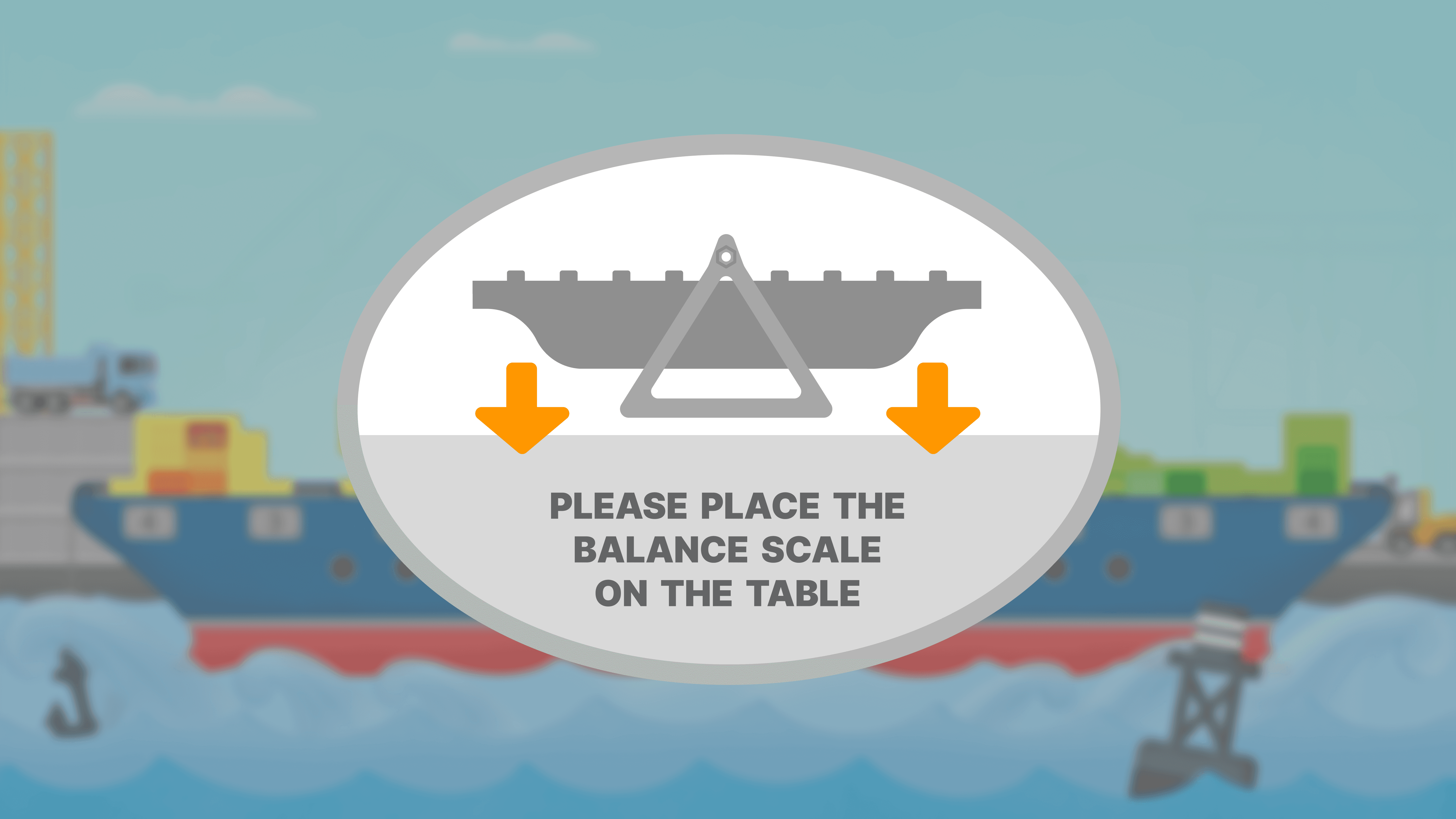
Real-time Prompts
Offer lightweight prompts to prevent errors and guide actions without restricting exploration.
DESIGN DELIVERABLES
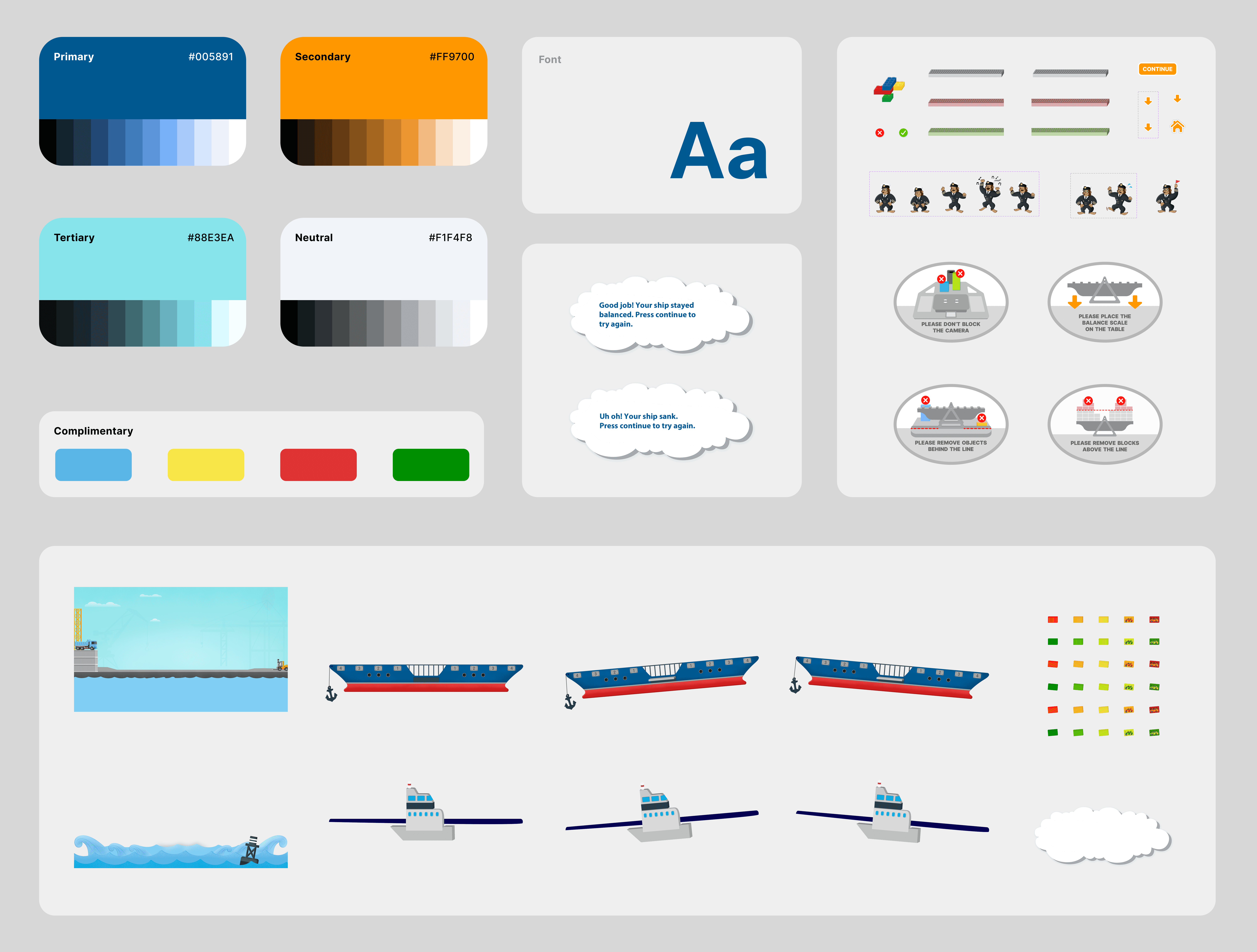
Design System